Can Canva Make an Image From My Words?

One of the most interesting new “toys” resulting from the dawn of AI is that of text-to-image. By that I mean that you, the user, input some text describing what you need an image of, and the technology endeavours to create that which you describe.

Tools like Midjourney or Dall-E require payment in order to complete more than just a couple of images for you. BUT… Canva is free for educators (your tech department needs to get this set up for you if you don’t have it when logged in using your school-issued email account), and Canva has the ability to generate images from the text you input.

This video is to teach you where to find this tool inside Canva, and to demonstrate for you how to get started using this fun new tool!!

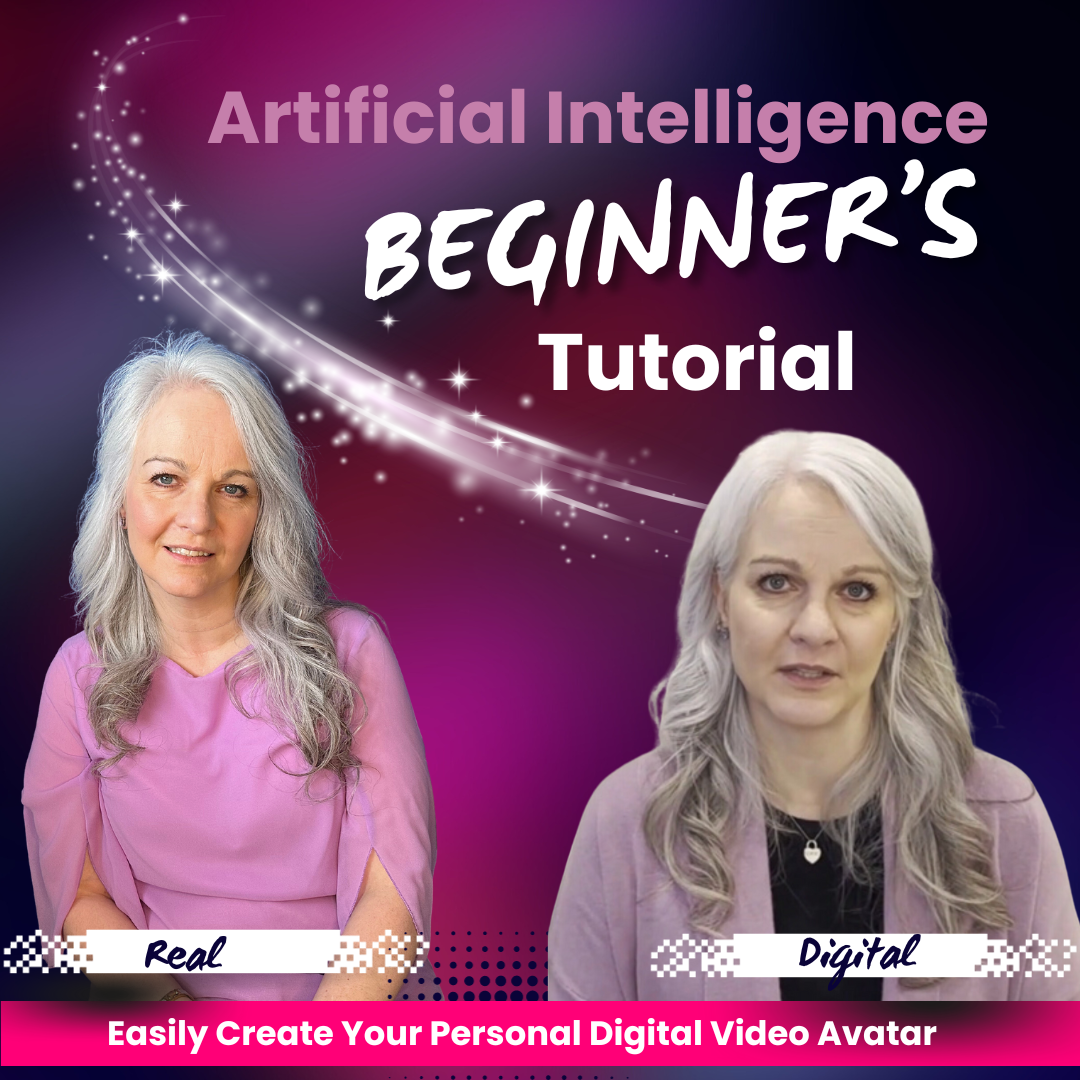
How to Make a “Digital You”

Today I want to teach you how to make your own talking, moving, speaking digital version of yourself. Recently, I made a video where my avatar was speaking Ukranian and Chinese – both languages that I do not personally speak. So, now let’s look at how you can get your own digital version of yourself!!

Watch the video below, and visit heygen.innoverse.ca to create your account at HeyGen! It’s easy, and more importantly, it’s fun!!

Use a Digital AI Avatar to Teach in Any Language

Teaching ESL. It’s a topic I’ve been asked about more and more in the past couple years. We’ve specifically seen an increase in the number of Ukranian-speaking students since Russia declared war on Ukraine in 2022. But by no means are we limited to having new classroom needs in Ukranian. Immigration is an important part of Canadian culture, and we aim to embrace children who are new to Canada. We want them to feel welcomed in our classrooms and included.

Well, here’s a new idea. What if we could pre-record ourselves speaking in a different language by using an AI avatar? Check out the video below where I speak Ukranian and Chinese – both languages that I do not know even one word of. 

It’s a brave new world, and as teachers, our best skill is imagination. We are incredible at coming up with new ideas for our classrooms. Now we can unleash our imaginations on artificial intelligence tools, coming up with innovative ideas to expand and extend inclusion. As of today, this includes multilingual instruction!

To get your own digital avatar that speaks many languages, please visit www.heygen.innoverse.ca and you can get started creating right away!

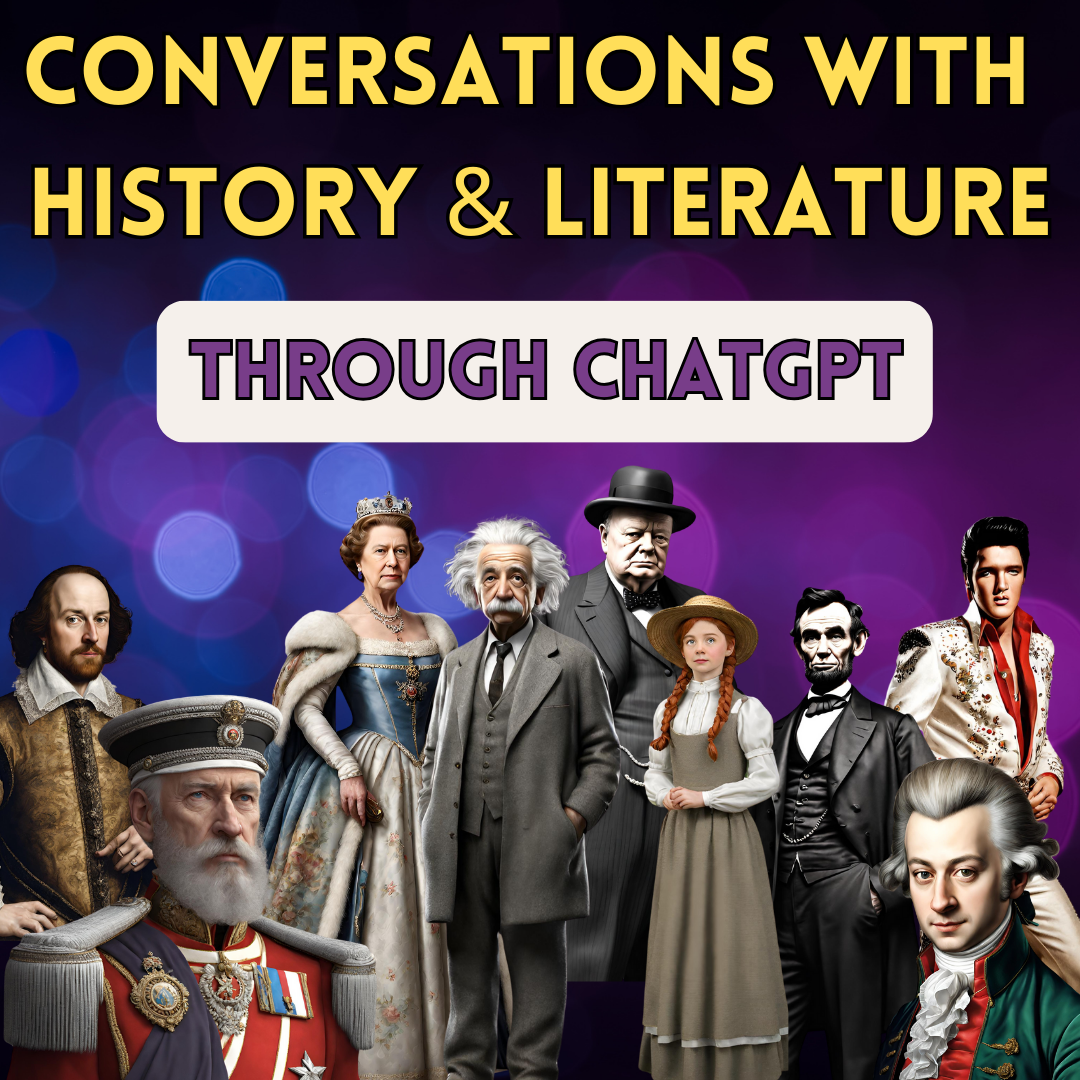
Conversations with History and Literature – Engaging Students with ChatGPT

Let your imagination run wild! Teachers, we have a new resource, and the only limitation seems to be out imaginations.

Take a few moments to watch the video below where I use ChatGPT to take on two personas; one from literature, and one from history. For the purposes of demonstration, I have used Ponyboy Curtis from the Outsiders, and Abraham Lincoln, and after wtching this video, you will have the confindence to employ this technology in your classroom. 

AI tools can enagage students in ways that teachers have always dreamed of. Let’s not miss this opportunity to harness this newfound power!

Can AI Help Me Win the Lottery?

Let’s take a look today at whether AI and ChatGPT can pick the winneing lottery numbers. Can AI pick the winning lottery numbers? In my last blog and vlog, I told you the crazy story of my office-mate taking an early and commanding lead in our office hockey pool. AI and ChatGPT can offer genuine help in winning a sports pool – at least until everyone else figures this out too. But can it pick the winning lottery numbers? It’s a good question.

The lottery relies on probability and is an actual mathematical process; one not influenced by outside forces. Those tumbling balls that are picked out ony by one for the lottery are not impacted by anything other than random selection. That’s different from athletes who are human, and are vulnerable to all the things that affect humans. Watch the video below for a more in-depth analysis of this topic!

Winning the Office Hockey Pool with ChatGPT

This one is awesome!! And, admittedly somewhat unexpected.

My office mate is winning our office hockey pool – by A LOT, and she is increasing the gap between herself and second place daily. I can’t wait to do an update to this after Christmas break!!

Check out the video below for the specifics, and then the next time you have an opportunity to participate in a sports pool, you’ll be ready to walk away with the pot of cash!

Students using ChatGPT to Cheat

We need to talk about this.

It’s on the minds of teachers everywhere. We know that artificial intelligence is not going away, and we know we need to find our way through this new reality. But to do that, we need to talk. We need to discuss how we are navigating this, we need to talk about what can work, and what doesn’t work.

With conversation comes synergy and new ideas.

I’m on social media. Let’s start this conversation. Watch the video below, and then let’s connect on Facebook, Instagram, or X (former Twitter) to bat some ideas around.

How to get Started in ChatGPT

Teaching is a busy lifestyle. Teachers are busy people.

So, if you havent’ had a chance yet to look at ChatGPT, the AI tool that has taken the world by storm, this video is for you. There’s nothing wrong with not having looked into it yet. But I will tell you that you are missing out on a very HELPFUL ASSISTANT by not checking it out.

I made this video for you. Winter break is upon us, and you might have a minute or two to check it out. But it can be kind of intimidating to hear people talking about AI; like you don’t want to come right out and ask “how do I even find ChatGPT?”

Well, you don’t need to ask the uncomfortable question! Just click on the video below where I help you find ChatGPT, sign up, and start using it!!

It’s going to be okay! And you’re going to be glad you watched this, and even more glad to have a bit of assistance from AI in managing the complexities of teaching in the twenty-first century!

Meet the Avatar: Exploring the World of AI Education

I was caught off-guard today. That rarely happens, and when it does, at my age, it’s pretty awesome. I had seen in a video an AI application called Hey Gen and the video avatar that was demonstrated in the video was pretty impressive. Now, this isn’t my first attempt to acquire an AI avatar, and in light of the fact that the one I paid $25 for a few short weeks ago had a third arm (we’ll talk about some of the challenges of AI image generation in another post), my expectations were not super high. What Hey Gen delivered for free blew me away. In fact, when I sent the demonstration video to my family, all conceded that had I not revealed that the video was AI, and was neither me, nor my voice, they were speechless.

Chat GPT #QuickWins for Teachers

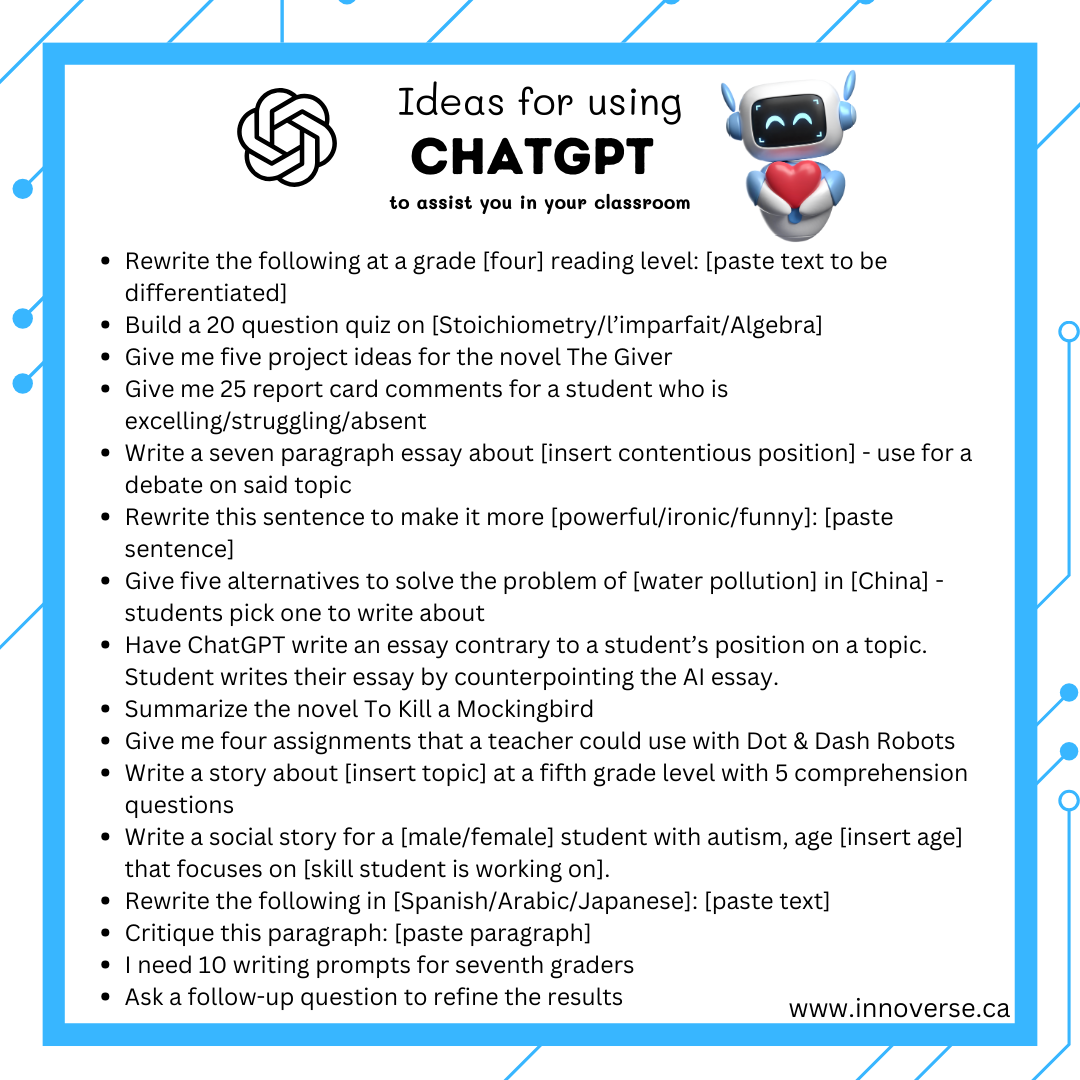
Let’s talk about some ideas for teachers to start using ChatGPT to save time. Teachers are busy people, and sometimes it feels like there’s always one more thing being added to the “to-do” list that teachers are expected to undertake. Wouldn’t it be nice to have some help? Wouldn’t it be amazing to have an assistant who could come up with new ideas and ways to refresh your projects, assessments, newsletters, report card comments, and other clerical duties? Well, please let me introduce you to ChatGPT. Your new idea-generating, text-writing virtual assistant. Here are some ideas to test out in ChatGPT. Enter one of these prompts, and watch how FAST it comes up with ideas for you. This is a game-changer.

Eduaide – AI Tool Review

In the ever-evolving landscape of education, the integration of artificial intelligence (AI) has emerged as a transformative force, reshaping the way we approach teaching and learning. AI, with its ability to process vast amounts of data, adapt to individual learning styles, and facilitate personalized experiences, has transcended the conventional boundaries of education. As we navigate the 21st century, AI is not merely a technological novelty; it is a dynamic catalyst propelling education into new frontiers. From intelligent tutoring systems that offer tailored support to students, to chatbots fostering interactive and responsive learning environments, AI is revolutionizing the very essence of education. It is not just a tool; it’s a pedagogical ally, amplifying the capacities of educators and unleashing unparalleled possibilities in the realm of teaching. This dynamic fusion of artificial intelligence and education promises not only efficiency but also a redefinition of what it means to engage, inspire, and empower the learners of tomorrow.

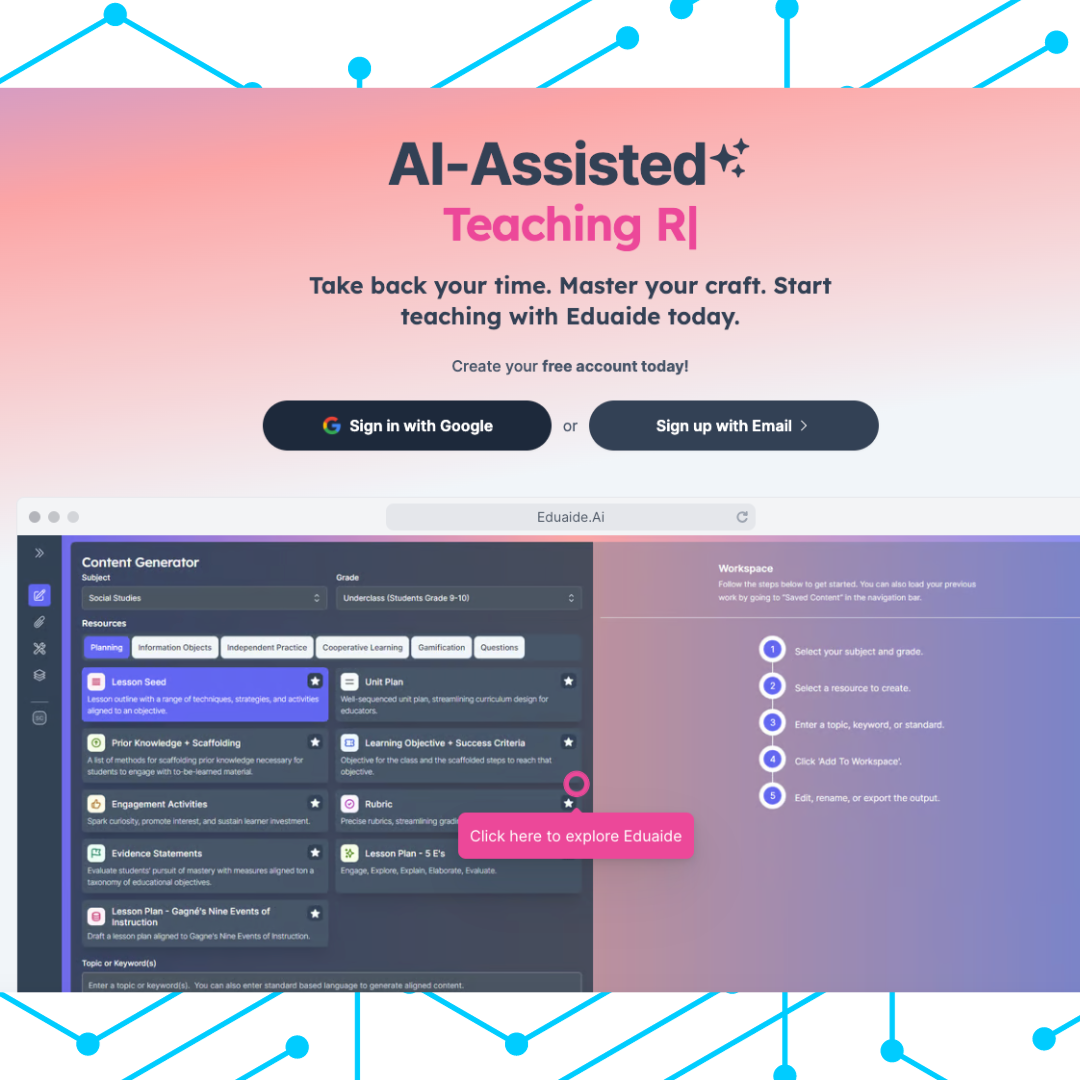
Eduaide is one of the frontrunners in AI technology for teachers. With just a few clicks, the AI will assist teachers in creating strong, editable, content that aligns to the curricular outcomes inputted by the teacher using it to create!

The image below is a worksheet (or quiz, or test) that Eduaide generated in a matter of seconds.  The only instructions I provided in the “topic” field was “Algebraic Expressions”. Eduaide did not automatically provide an answer key, but when I clicked on the rocket in the top right corner (above the math questions), generating an answer key was an option I could choose.

The image below generated the escape room about water conservation in a matter of seconds. The results include the needed materials for this escape room, as well as instructions regarding the setup. What it did not include was the questions, riddles, or puzzles that the students must solve in order to complete the escape room.

Eduaide saves the content you create, but the “edit” button is not intuitive. On the “saved content” screen, there will be a list of the resources created in Eduaide. On that screen, the “Preview” button is really obvious. If you click to the right of the preview button (on the kebab menu… the three dots), the first choice says “Load in Workspace” – That’s where you go to edit it.

Class Companion – AI Tool Review

Today I took some time to have a peek at a formative assessment tool for students’ written work. I used a portion of my own literature review for my dissertation to ascertain what the tool is capable of. I was actually fairly impressed.

Teacher Dashboard

The teacher dashboard is easy to navigate. Like most learning management systems, you create classes in the dashboard and you push assignments out to students. The AI in the dashboard can assist you with creating a writing assignment, and once you have your assignment inputted, you then determine which classes you are assigning it to.

Student View

The student side was also very familiar in its appearance. Students see assignments they are expected to complete, and the layout is logical. Students also have a button to dispute their grade, which will send a message to the teacher regarding this. Student-self-assessment is always a goal in education, and used intentionally, the dispute opportunity for students can compel some self-reflection of their work.

It is in the writing of the student that the magic happens.

Assessing the Tool

For my assessment of this tool, I created a class and I assigned an essay on this history of AI. I then added a fake student to my class, and assigned the essay to this fake student. Then I grabbed a Chromebook and through the email from Class Companion, I was able to join this fake class.

I opened the assignment and was greeted with a space in which to complete my essay. I opened my literature review chapter and copy/pasted my first three paragraphs into the tool. It took some time for it to assess my work, (it wrote some entertaining phrases on the screen while I waited) and I must mention that I did not provide the entire essay to the tool, so some parts of the formative assessment are weak due to the tool not having all of my writing to assess (no conclusion, namely!)

Overall

Additional testing revealed that it will adjust its scoring if the teacher changes the rubric, and the overall formative assessment was accurate, as tested by teachers.

There is an interesting reflective opportunity for teachers here; an opportunity to compare their own grading against that of the AI tool. That’s not to say that the tool is correct and the teacher is wrong; not by any stretch. It’s just an opportunity for teachers to consider their rubrics and their own tendencies when grading is occurring.

As the teacher, I can override grades given by the tool, allowing me to have the final say as to a student’s performance on the written task.

Overall, I was impressed with this tool.
 

Pin It on Pinterest