June 2020 – Celebration of Learning

The 2019-2020 school year changed the moment Premier Jason Kenney suspended classes on the 15th of March. From that point on, teachers were thrust into the position of Distributed Learning Teacher.

What occurred during the week between the announcement of the suspension of classes and the start of online classes was an astounding display of “can-do” from our teachers around Chinook’s Edge School Division.

The philosophy of Life-Long-Learning was displayed in spades throughout Chinook’s Edge. The result of this has been the creation of a number of classroom websites, and online friendly resources. This page is a celebration of the learning that was undertaken by the professionals in our school district. Your commitment to education, to your students and to your professional calling kept learning moving forward. 

This page will contain a gallery of the class sites and other online resources created by our esteemed educators to keep learning moving forward. The more we share, the lighter the load! Please share your resources here!!!
Ed Tech Tips, Tricks & Hacks – Quarantine Edition

This edition of Ed Tech Tips, Tricks & Hacks contains nuggets of wisdom on:

  • Ed Tech Framework’s Resource Blog
  • International Society for Technology in Education (ISTE) resources
  • Share to Classroom extension
  • Classroom Ready Canadian content
  • Parlay Discussion starters
  • Screenit – detailed movie reviews
  • Grid view for Google Meet
  • Pearson Quarantine Resources
  • My Blueprint Online webinars
  • Class Connect – Make Wonder robotics
  • Hack to Help – Covid 19 Experiments with Google
  • Choose your voice – teaching tools to help students speak out against injustices
  • Buncee
  • Science is Cool
  • Wide Open School
  • Koji – Free online game creator
  • Free online events and activities for kids at home

SeeSaw

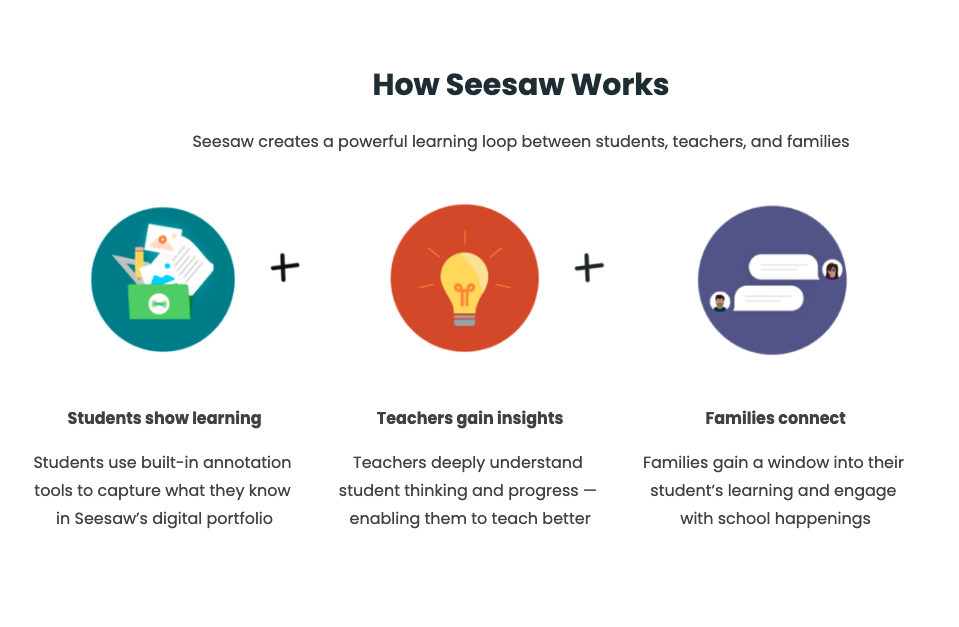
Seesaw is a fantastic tool for Div 1 and Div 2 teachers. There are a host of pre-created resources in their resource library, and the platform itself gives young learners meaningful ways to demonstrate their learning.

Seesaw’s privacy policy requires parental permission for students under age 13. They offer a sample letter for parents to acquire this permission.

Creating an If… Then… form in Google Forms

This video is part of our Learning Hub Course on Google Forms. This specific video outlines how to create a Google Form that routes to different questions bsaed on the responses inputted by a user.

Flippity

One of my new favourite resources is Flippity. It’s so easy to use, and once you’ve created your content, you can use it over and over again.


  1. Go to www.flippity.net
  2. Download the sheets template for any of their cool choices
  3. Replace their placeholder data with your data
  4. Go File -> Publish
  5. Click on the second tab of the spreadsheet
  6. Click the link provided
  7. Use the resource

Google Sky

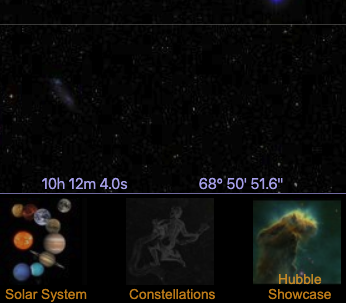
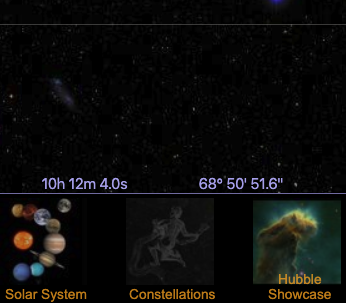
Google Sky – it’s like Google Earth, except it’s the sky. A fantastic companion for the grade 6 sky science unit!

Word Hippo

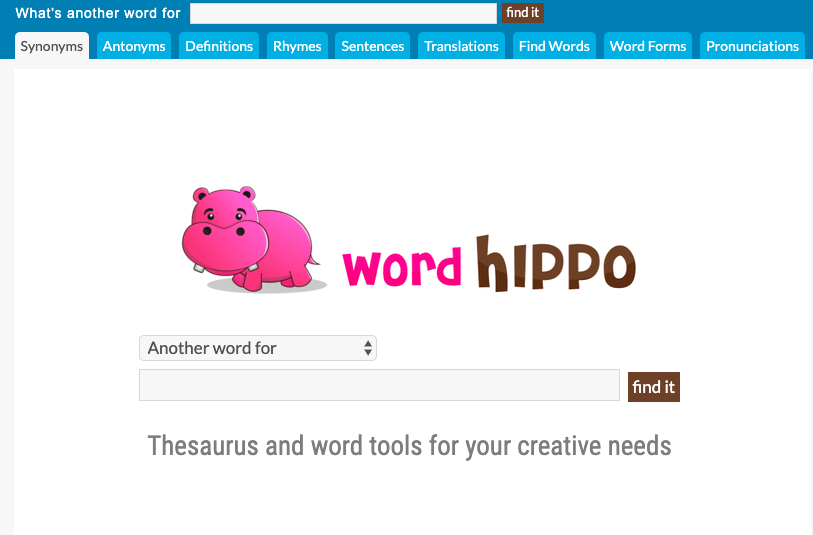
Word Hippo is a cute thesaurus/dictionary/word rhyming for younger learners. It asks the question “What’s another word for” at the top of the screen and children can type their sought-after word into the search space. The search at the top of the screen changes based on the tab. When on the Antonyms tab, it will ask “What is an antonym for ___?”

This site could also be useful with older students working on rhyming and poetry in Language Arts class.

Ed Tech Tips, Tricks & Hacks – Vol. 2; Issue 5

This edition of Ed Tech Tips, Tricks & Hacks contains nuggets of wisdom on:

  • IMC Dot & Dash Robots!
  • Save Items from Shared Drives to your personal Drive
  • Phishing Quiz
  • Problem-Attic Exam Creation 
  • Digital Citizenship Scope & Sequence
  • Digital Math Manipulatives – Class Playground
  • Digital Math Manipulatives – Toy Theater
  • STEM Activities for all grades
  • 51 Esti-Mysteries
  • Catch Plagiarism with Draftback
  • Innovative ways to use Plickers
  • Buncee – contains a lesson bank!
  • Education.com
  • SeeSaw

Google Sky

Google Sky – it’s like Google Earth, except it’s the sky. A fantastic companion for the grade 6 sky science unit!

Base Ten Blocks at CoolMath

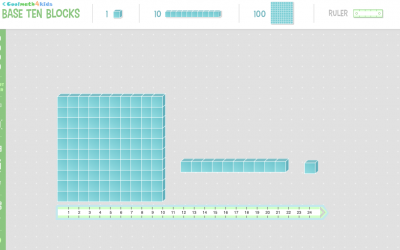
CoolMath – an old, familiar math website has recently launnched a set of virtual manipulatives including a nice interface for base-ten blocks. Becuase they are just rolling this content out now, the number of manipulatives is limited to the base ten blocks, a numberline, patterrn blocks and ten frames.  However, CoolMath has been a resource for teachers for many years now, and we can likely expect the virtual manipulative resources to continue to grow!

Ed Tech Tips, Tricks & Hacks – Vol. 2, Issue 3

This edition of Ed Tech Tips, Tricks & Hacks contains nuggets of wisdom on:

  • Michelle’s Blog (You’re on it now!)
  • Kami for Differentiation
  • My Blueprint – Div 2&3
  • Hour of Code
  • Edu in 90
  • Esti-Mysteries – A Learning Mission
  • Planboard
  • Plickers
  • True Size of – Interactive map projection explorer
  • Kialo Edu – Tool for critical thinking and rational debate
  • Classroom Screen – Easy digital screen tools
  • Wooclap
  • ClipArt Tec.
  • Meet Generation Z
  • Tik Tok Safety

Ed Tech Tips, Tricks & Hacks; Volume 2, Issue 2

This edition of Ed Tech Tips, Tricks & Hacks contains nuggets of wisdom on:

  • Technical Learning Modules for Teachers
  • Nearpod
  • Nearpod Google Slides Integration
  • Kapwing
  • Workbench
  • CommonLit
  • Poly
  • Soundtrap
  • Quill.org
  • Webjets.io
  • GeoGuessr
  • Quizizz
  • Edu in 90
  • Which one Doesn’t Belong?
  • New LearnAlberta
  • Newsletter creation resources
  • Freestock – royalty-free Canadian images
  • Calm Schools Initiative

Inking & annotating screenshots with a Chromebook

Inking – writing on top of an image, otherwise known as annotating is possible using a Chromebook. Our amazing Lan-Tech, Bailey has put together this “How-to” slideshow to assist teachers who want to use it, or who have used it in the past but now can’t find it.

This is a pretty handy skill to have for teaching in GSuite.


Pin It on Pinterest