Organic Chemistry Practice Problems

Though the site is not very visually appealing, it contains a relatively large database of practice questions for Organic Chemistry.

Though the site is not very visually appealing, it contains a relatively large database of practice questions for Organic Chemistry.

MolView is an open-source, intuitive web-application to make chemistry and biology. This application consists of two main parts, a structural formula editor and a 3D model viewer. User can employ 2D to 3D button to convert a molecule into a 3D model which is then displayed in the viewer.
This site works beautifully on Chromebooks!
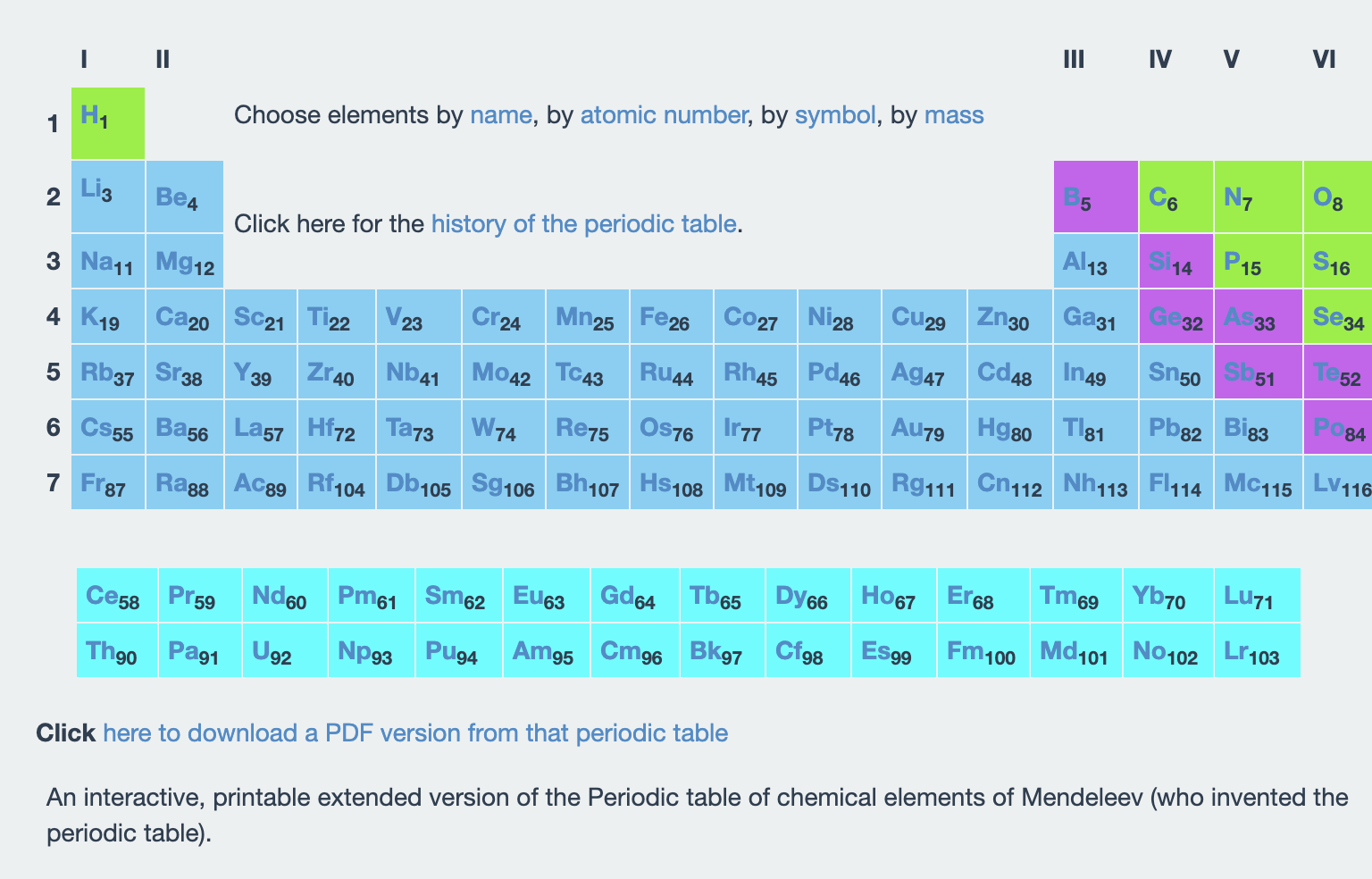
This advanced periodic table includes health and safety information.

Chem Ed Exchange is a site for – you guessed it – chemistry and science teachers! They have a great deal of free content in addition to their paid content.
Based on theory of knowledge and brain science, Biology Q&As was specifically designed, written and organized to make learning biology easier. More than 1800 bite-sized Q&As, covering all of the primary branches and subjects in biology, are available to make studying biology as easy as possible.
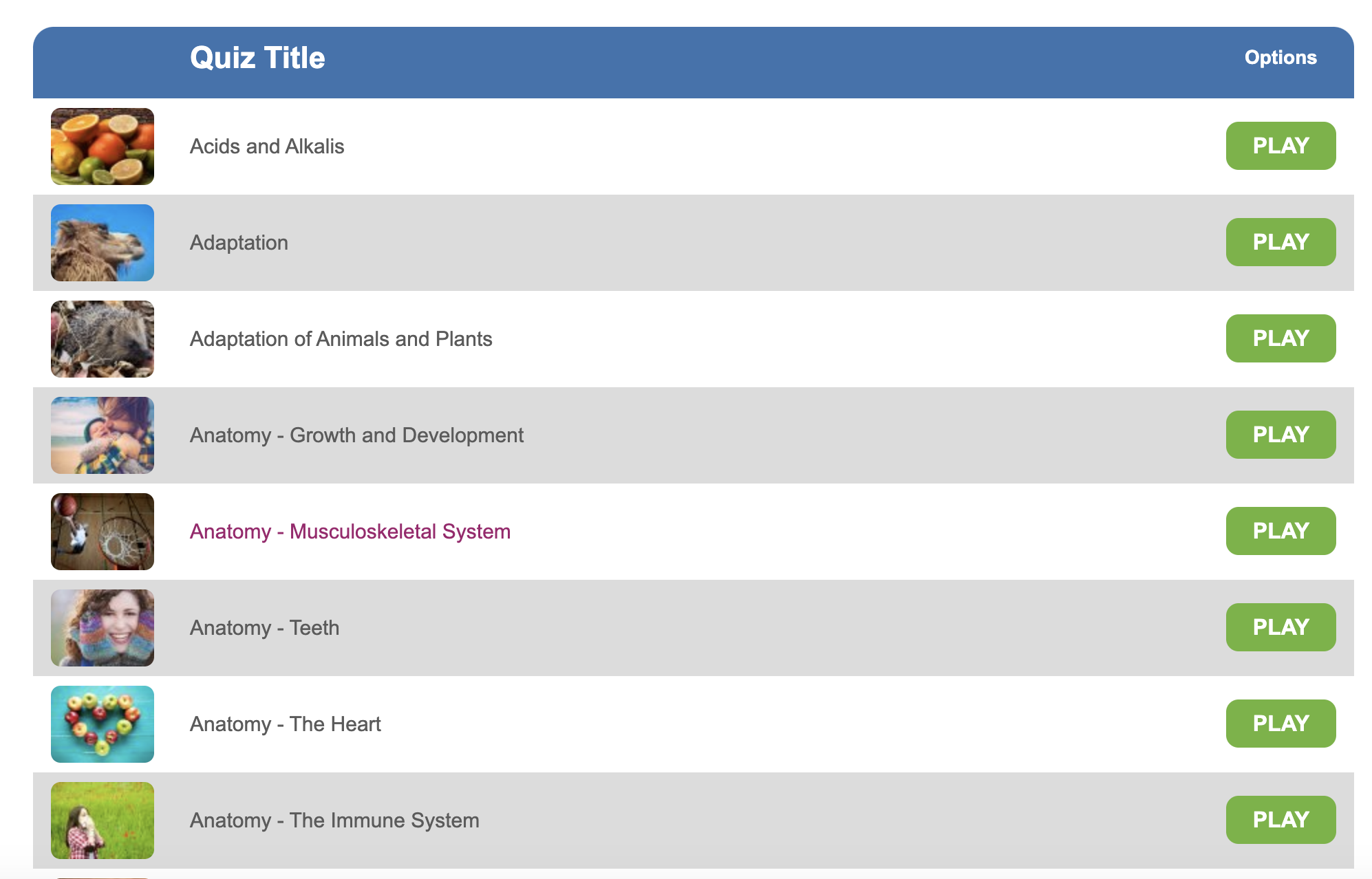
Education Quizzes offers a wide range of quizzes on a variety of topics. It is American in its content, but science crosses all borders.
This tool should be used as a supplemental tool and for practice quizzes. It requires payment to have an account, but the quizzes can be used without logging in.
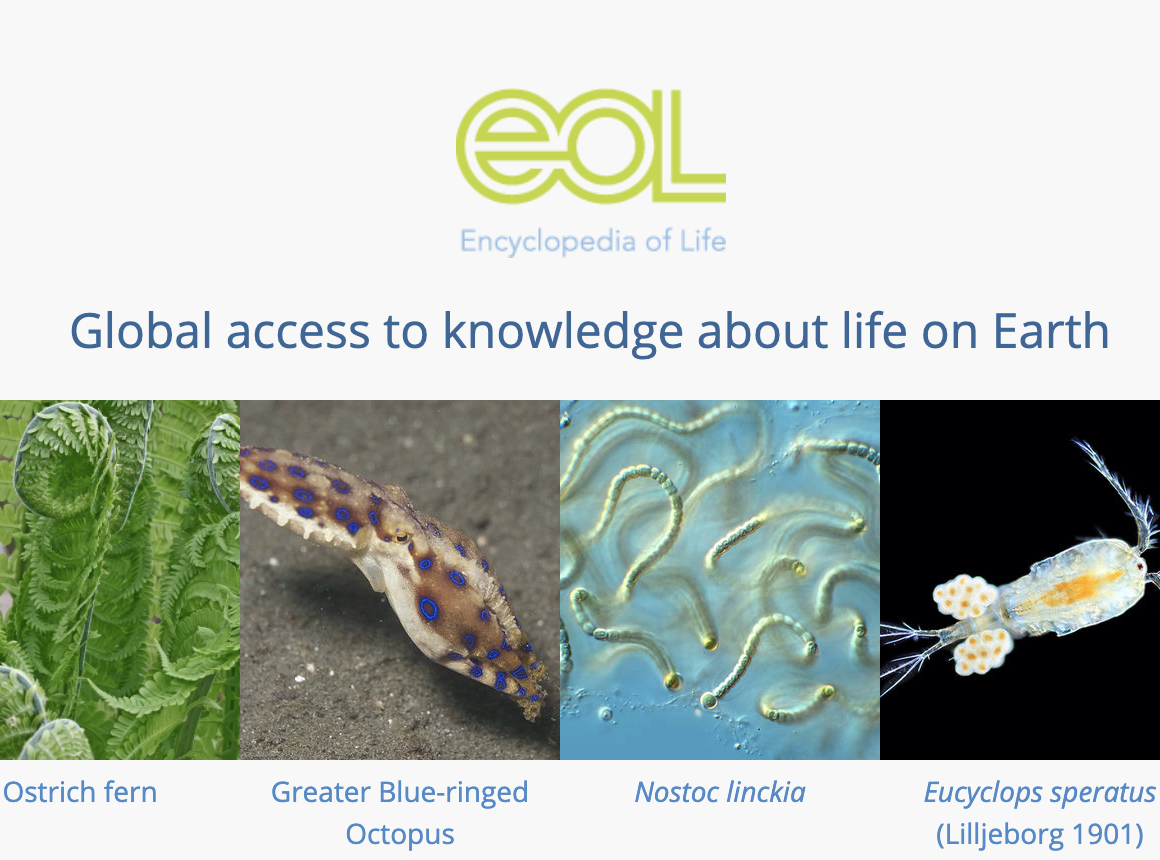
The Encyclopedia of Life offers vast amounts of information about all forms of life on earth. They offer biodiversity cards, data searches, trait-based models and a host of other information to enrich the learning of life sciences.
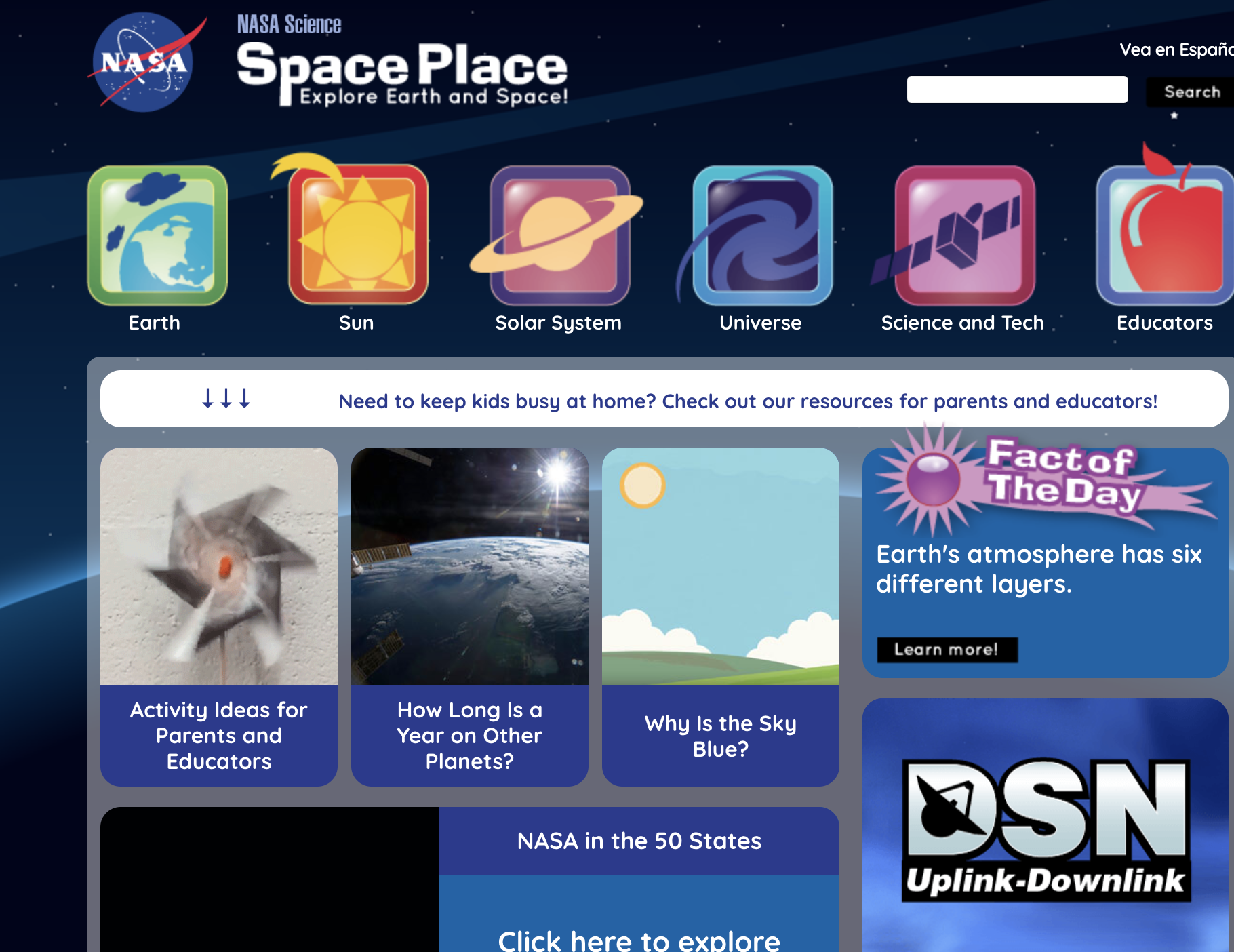
Launched in 1998, NASA Space Place‘s mission is to inspire and enrich upper-elementary-aged kids’ learning of space and Earth science online through fun games, hands-on activities, informative articles and engaging short videos. With material in both English and Spanish and resources for parents and teachers, NASA Space Place has something for everyone.
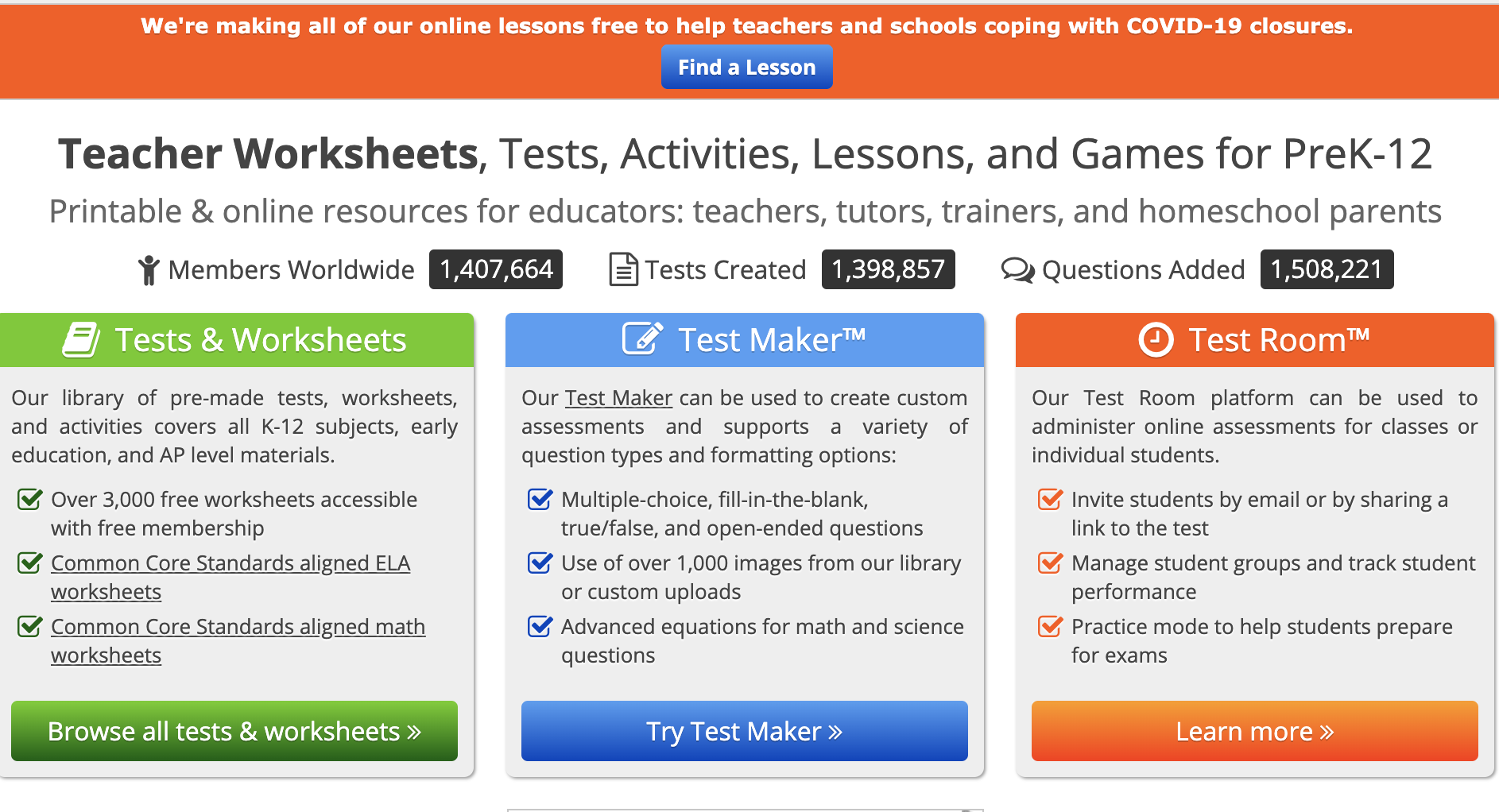
Help teaching is a website to assist with test and quiz creation along with worksheets. With a free login, teachers have access to all the questions in their database, but your documents will be restricted to ten questions each.
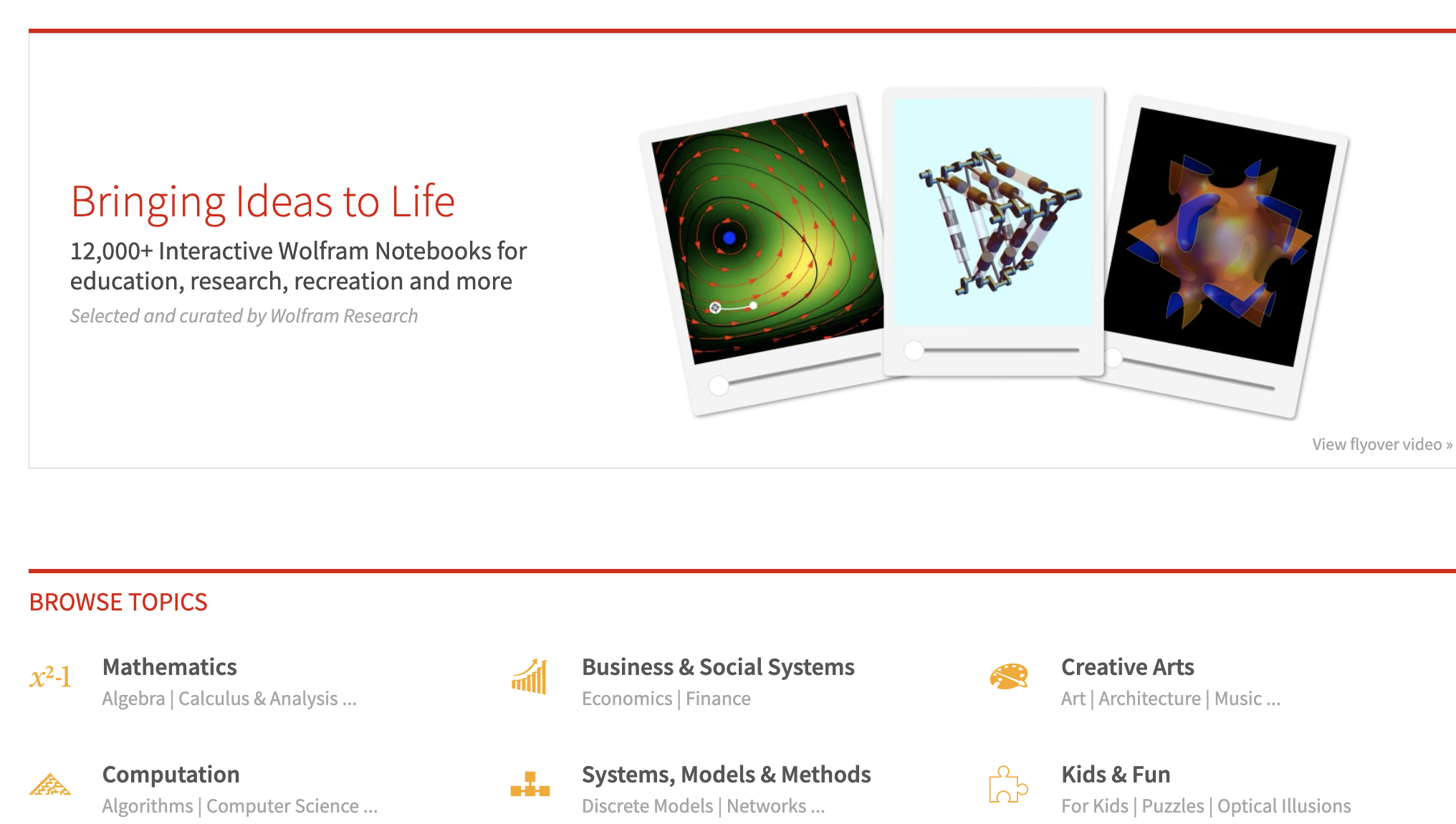
Wolfram Demonstrations offers over 12,000 demonstrations and simulations for everything from advanced science and physics to K-2 science to arts and architecture. There is something for every teacher on this site!
Practice makes perfect with the Wolfram Alpha Problem Generator. They have a huge database of problem types for you to springboard off. Additionally, their partner site, Wolfram Demonstrations offers 12,000+ interactive applications for education, research, recreation and more!
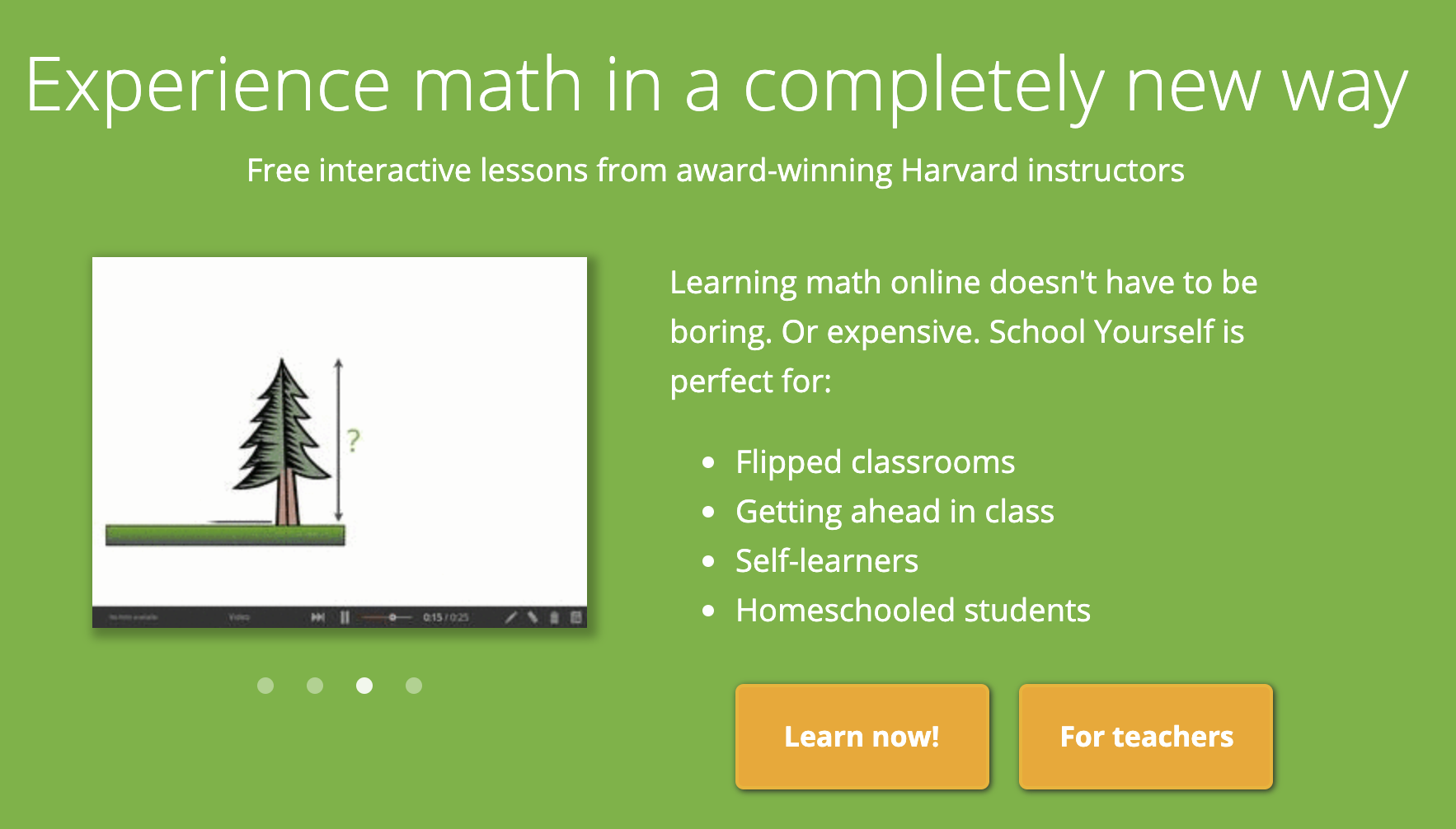
School Yourself is a mathematics website based on doing math, not on watching an instructor do math. Their unique interactive lessons cover math subjects ranging from algebra, geometry, and trigonometry to precalculus and calculus. As you go through the lessons, their algorithms quietly crunch numbers and figure out where students need help the most, or whether they should breeze right through to more advanced material.
Because of their privacy policy, students should be 18 or older in order to sign up.

Math Planet is a resource for Div 4 teachers and their students. The educational material is focused on US math, but has support for algebra, geometry, SAT and ACT examinations. Math Planet is licensed with creative commons attribution, which means that anyone can use it.
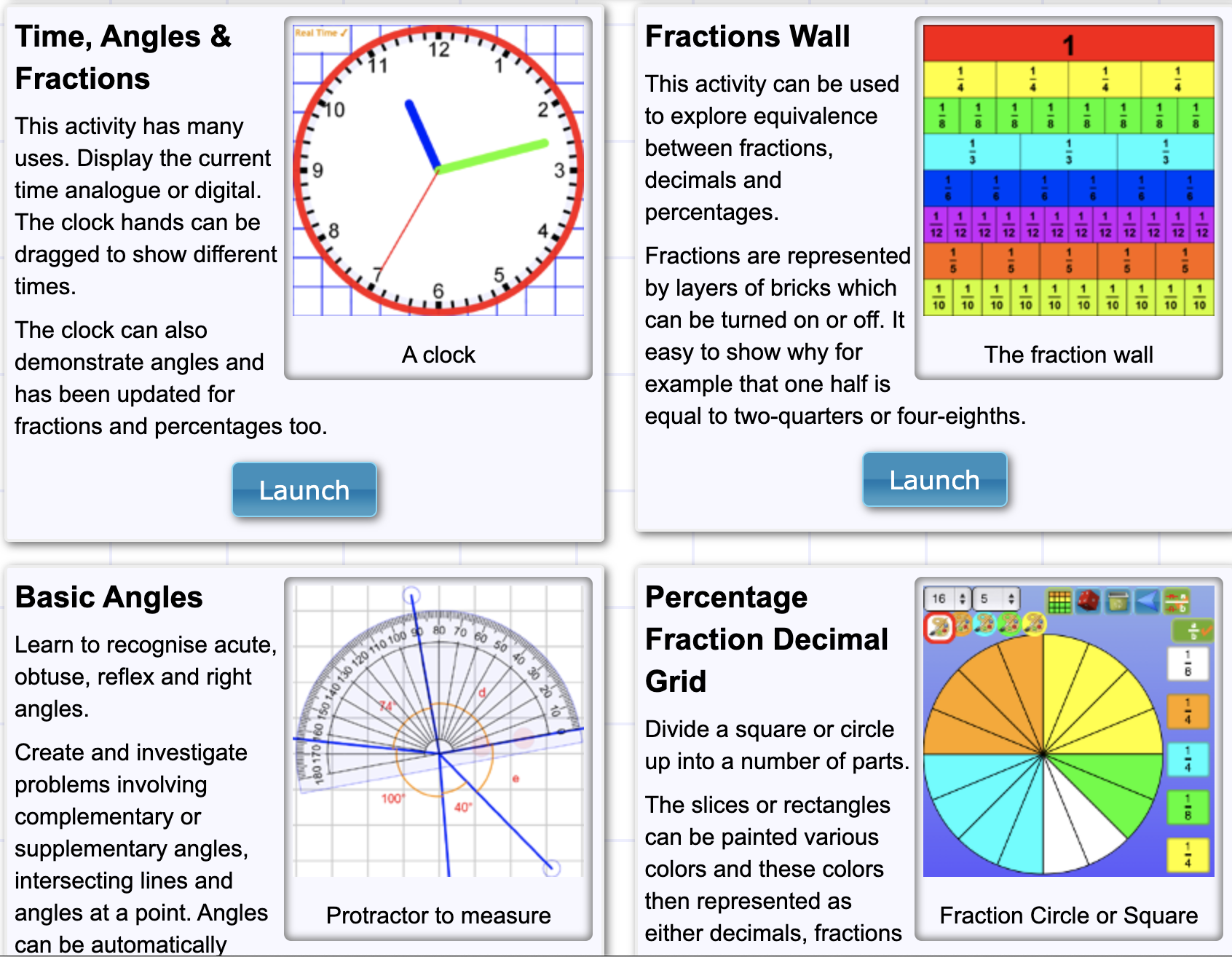
Visnos is a nifty site with many interactive tools for teaching and learning math. It tackles everything from basic addition and subtraction to fractals to the Sieve of Eratosthenes.
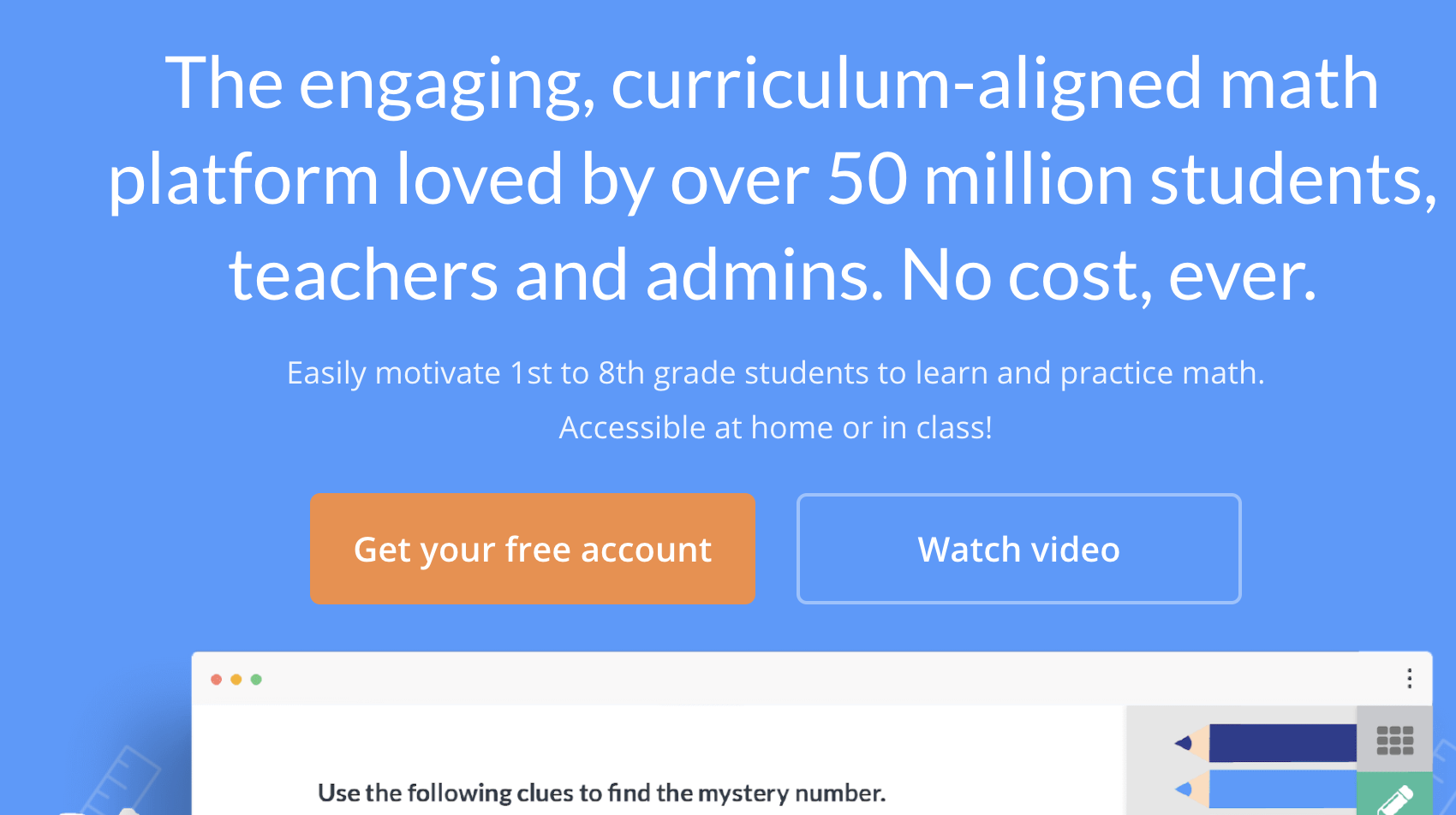
The Prodigy Math Game is well-known amongst educators for its engaging math-based games. Further, its privacy policy allows for teachers to enroll students with just first and last name.
If you choose to use it, enter your students’ first names, then give them all a generic last name. You could go with something like “Smith”, or you could use the name of your school “Blakely” or “Sutherland”. This protects their privacy as no other information will be collected with respect to the students.