Screenit

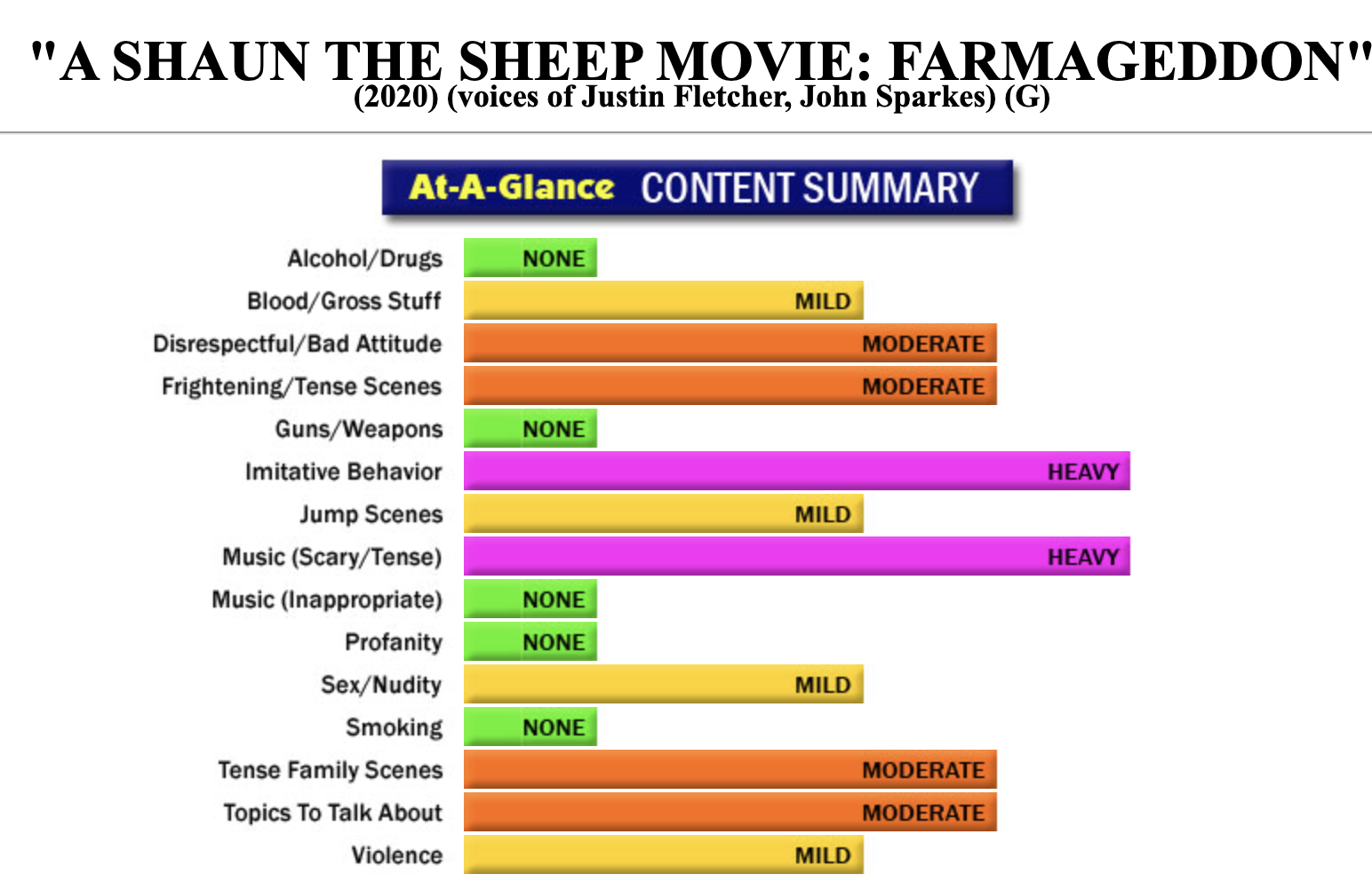
Screenit is a site that has been online for at least two decades. The service they offer is a breakdown of movie content. You search for a movie, and screenit will provide a breakdown of any and all content that may be questionable for young viewers. It offers a free three-day trial. Newly released movies are often listed on their homepage for free.

The site offers a graph view of many movies, and then gives detailed descriptions for each identified category of content as shown in the graph below.

Kids Health

Kids Health is a website with tons of free content regarding health. It covers topics that range from staying safe to illnesses and injuries to puberty and growing up. There are resources for educators, kids, teens and parents on this site.

Kids health collects no personal data.

Web Whiteboard

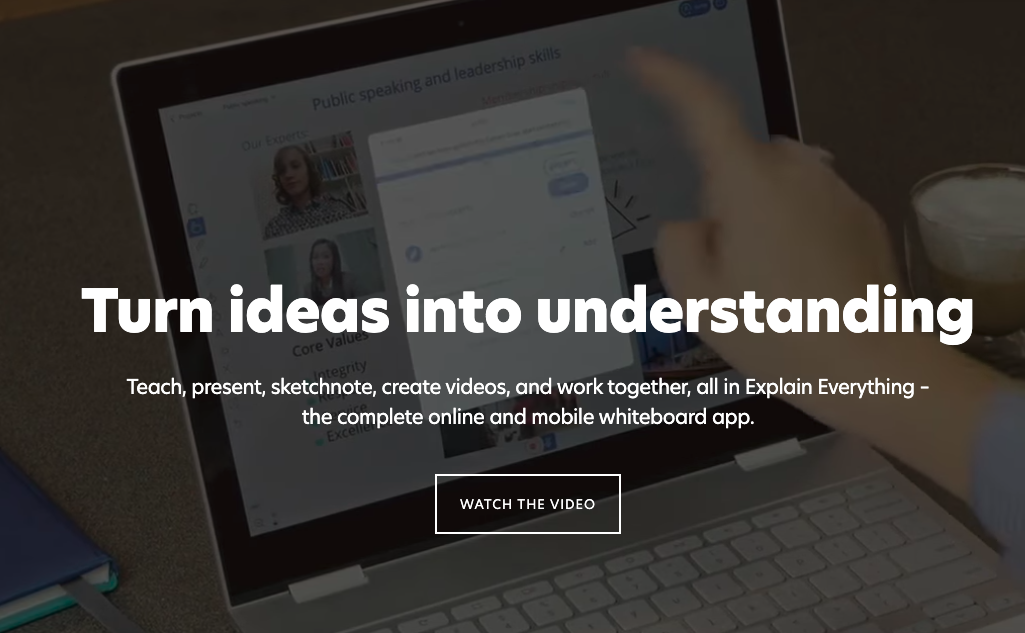
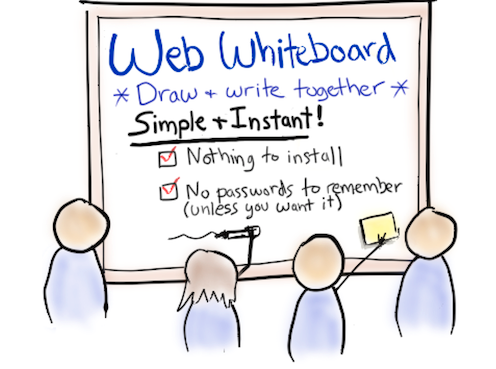
Web Whiteboard is a free (for 21 days), online utility that allows participants in an online meeting (Google Meet, for instance) to have access to a whiteboard where collaboration can take place. Students do not sign in to the service, so it is safe for use in K-12 classes. This may be a valuable tool for online delivery of lessons.

Once the free trial period has ended, the cost to continue is $8 per month.

Go Noodle

Go Noodle is a utility that is fairly well-known amongst Division 1 teachers. Go Noodle’s mandate is to help kids get active with deskside movement activities that are intended to keep kids engaged and motivated throughout the day.

Theatrefolk

Theatrefolk offers a large number of teaching resources for drama teachers. As the site does not offer student sign-up, there are no concerns regarding their privacy policy. According to their website:

Yes, this is actual free stuff.

No strings, no sign-ups, just good stuff for you to use in your classroom. You’re free to copy and share these documents as long as they are distributed in their entirety.

Drama Notebook

Drama Notebook hails itself as the world’s best site for Drama teachers. They have a small selection of straight-up free resources.They do offer a free trial on their library of resources to support the dramatic arts. Teachers using this resource have the choice to pay monthly or receive some savings by subscribing annually to their site.

Students do not get added on this site, so their privacy policy was not inspected for this post.

Drama Activities

Drama activities provide excellent opportunities for young children to engage in storytelling, social interaction and practice communication skills. Arts on the Move has a lovely list of activities that are designed for the young learners. As this is just a resource for teacher planning, the privacy policy is inconsequential.

Flat for Google

Flat is an excellent music notation editor that works directly with GSuite. You install it from the Chrome store into your Chrome account and you will have a sheet music editor that allows for collaborative editing and creation.

Molview – Chemistry Modelling

MolView is an open-source, intuitive web-application to make chemistry and biology. This application consists of two main parts, a structural formula editor and a 3D model viewer. User can employ 2D to 3D button to convert a molecule into a 3D model which is then displayed in the viewer.

This site works beautifully on Chromebooks!

Audiotool

Audiotool is an online music production studio. It is an advanced music mixing space, and is posted here as a tool for teachers as opposed, not as a resource for students. Their privacy policy isn’t quite where we need it to be for student use. Because of the advanced nature of the tool, it would be a very rare circumstance that this tool would be beneficial in the classroom. However, it may be of great value to a music teacher.

Noteflight Learn

Noteflight is a robust application for music teachers. They do offer a free trial, but in order to access this, you must contact the company. Their product prices in at approximately $7 per student, and membership allows the teacher to organize classes, create assignment and gives access to a library of musical scores and lessons. Their site specifically states that their application works on Chromebooks.

Their privacy policy is suitable for use in Canada. They state “The only identifying information collected is on the teacher and the school. All students are assigned unique usernames by the teacher; therefore Noteflight does not collect any personal information on students.” This means that teachers can enter students using false (game) names. An easy way to do this is to use the student’s first name and make their last name your school or town name. For example: Jayden Delburne or Laura Beacon.

SeeSaw

Seesaw is a fantastic tool for Div 1 and Div 2 teachers. There are a host of pre-created resources in their resource library, and the platform itself gives young learners meaningful ways to demonstrate their learning.

Seesaw’s privacy policy requires parental permission for students under age 13. They offer a sample letter for parents to acquire this permission.

Pin It on Pinterest