10 Tips for Online Instruction

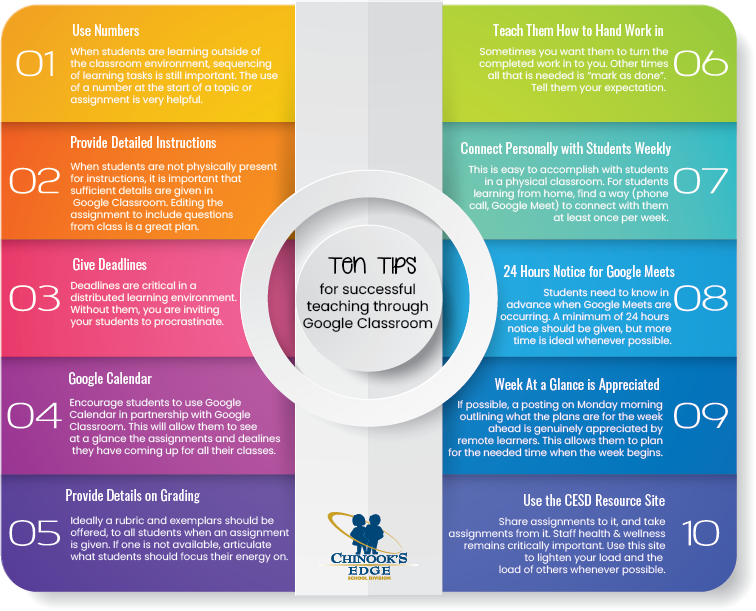
Teaching in a distributed learning environment (formerly called a blended learning environment), has its own pedagogical rules. While many scenarios translate easily from classroom teaching to online teaching, there are some aspects of instruction and learning that are different.

In conversation with teachers, administrators, parents and students, coupled with the educational research on distributed learning environments, we have compiled these ten tips for teachers to improve everyone’s experience when using Google Classroom.

The CESD Resource site (Teachers Share) is a brand new endeavour (#10 in the above image). To ease the burden of distributed teaching, we ask that teachers share assignments they have created (share to Michelle Baragar), and take what you can need from this site. The more we share, the lighter the load for everyone!
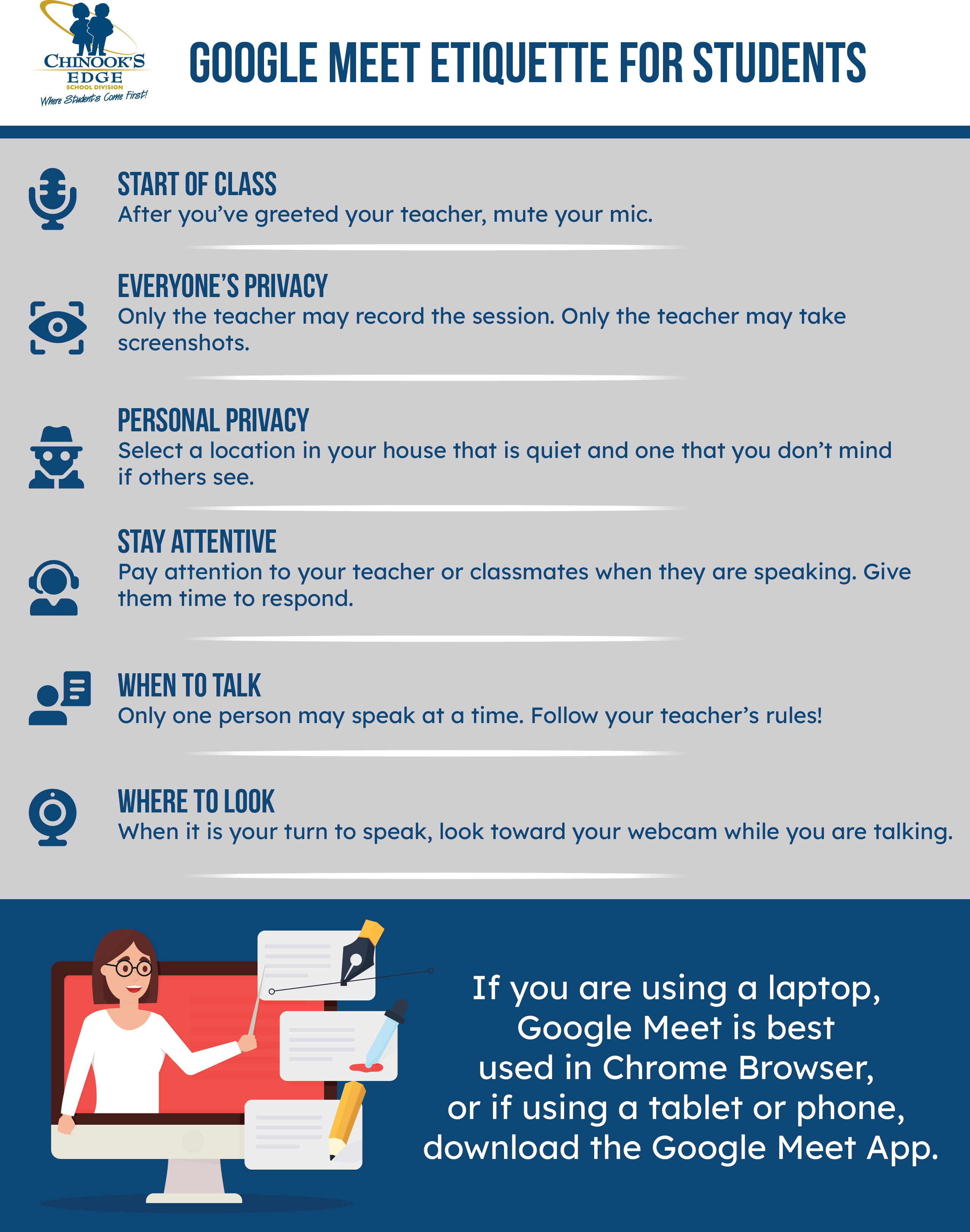
Google Meet Etiquette for Students

Knowing what the expectations are in an online classroom isn’t always easy. We are all familiar with the face-to-face classroom, but what are kids supposed to do in an online classroom? We offer this one-page printable document outlining the expectations for students in our online classrooms. 

June 2020 – Celebration of Learning

The 2019-2020 school year changed the moment Premier Jason Kenney suspended classes on the 15th of March. From that point on, teachers were thrust into the position of Distributed Learning Teacher.

What occurred during the week between the announcement of the suspension of classes and the start of online classes was an astounding display of “can-do” from our teachers around Chinook’s Edge School Division.

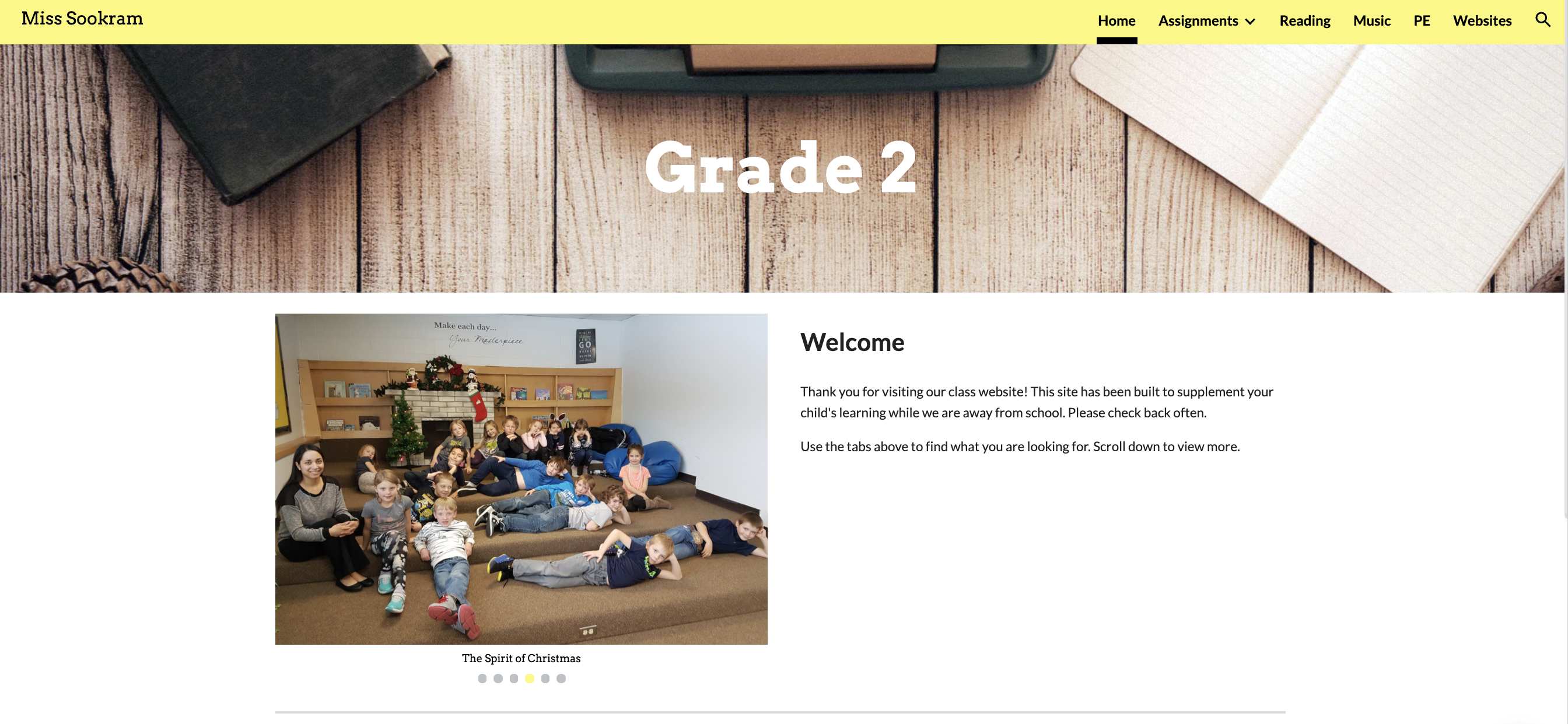
The philosophy of Life-Long-Learning was displayed in spades throughout Chinook’s Edge. The result of this has been the creation of a number of classroom websites, and online friendly resources. This page is a celebration of the learning that was undertaken by the professionals in our school district. Your commitment to education, to your students and to your professional calling kept learning moving forward. 

This page will contain a gallery of the class sites and other online resources created by our esteemed educators to keep learning moving forward. The more we share, the lighter the load! Please share your resources here!!!

Free Images – Royalty-free photos and images

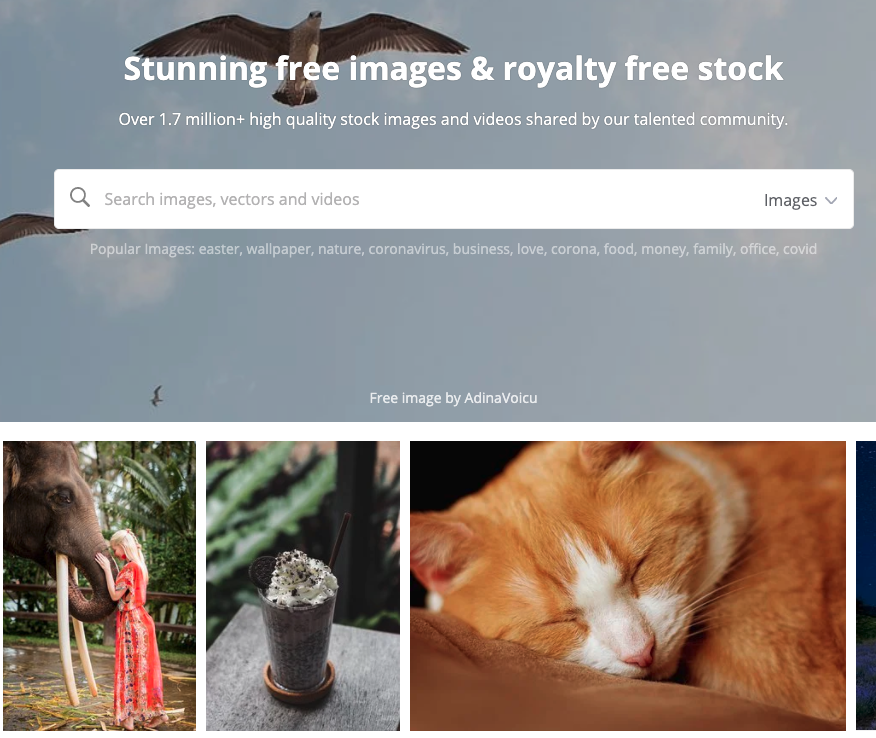
Another site with thousands of royalty-free images that you can use for anything in your classroom without the worry of violating copyright law is Free Images.  As with the other royalty-free resources we have blogged about here, you do not need to pay for any of the images on this site.

Pixabay – Royalty-free photos and images

As educators, it is important that we model good digital citizenship to our students. One of the ways we do this is by using images that are free from copyright. Pixabay is an excellent site filled with free photos and images to use for any of your classroom needs. The images you can find here are, for the most part, better than the images that you will find on a Google search with the “filtered for reuse” filter applied. 

Ed Tech Tips, Tricks & Hacks – Quarantine Edition

This edition of Ed Tech Tips, Tricks & Hacks contains nuggets of wisdom on:

  • Ed Tech Framework’s Resource Blog
  • International Society for Technology in Education (ISTE) resources
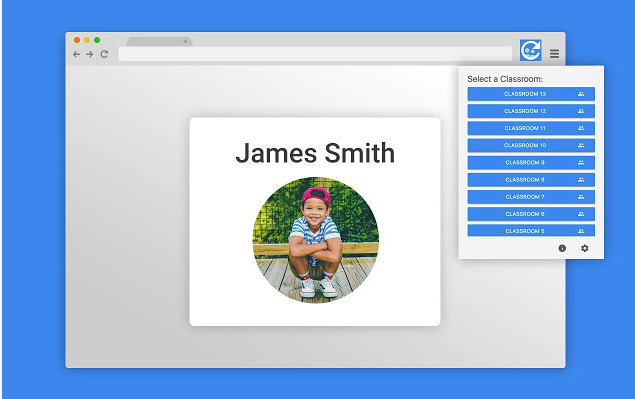
  • Share to Classroom extension
  • Classroom Ready Canadian content
  • Parlay Discussion starters
  • Screenit – detailed movie reviews
  • Grid view for Google Meet
  • Pearson Quarantine Resources
  • My Blueprint Online webinars
  • Class Connect – Make Wonder robotics
  • Hack to Help – Covid 19 Experiments with Google
  • Choose your voice – teaching tools to help students speak out against injustices
  • Buncee
  • Science is Cool
  • Wide Open School
  • Koji – Free online game creator
  • Free online events and activities for kids at home

Mental Health Resource by Common Sense Media

Common Sense Media, a leader in vetting internet resources for young people has a mental health segment in their vast collection of resources. Amongst the topics covered are kids and screen time, addiction, anxiety, depression and suicidal ideation. The focus is on keeping media and technology usage healthy and positive.

Wide Open School

Common Sense Media, a leader in quality internet information for young people has launched a service to assist during the Covid-19 quarantine. Wide Open School has a lengthy list of activities and resources for teachers to access. It is important to check the privacy policy of these identified resources prior to enrolling students, but many of the resources don’t involve student logins, and therefore can be used without hesitation.

Fizzy’s Lunch Lab

Another PBS offering is Fizzy’s Lunch Lab. This website uses videos, music, games and characters to teach young learners about healthy eating. There are even recipes on the site.

Students do not log in to the site, so privacy is not a concern.


Arthur Family Health

Created by PBS, Arthur Family Health uses the familiar children’s books to teach health-related content to young learners. The site offers games, videos and resources designed to keep families safe and strong. Topics include asthma, peanut allergy, nutrition, resilience and fitness.

Students do not actually log into the site, so privacy is not a concern.

Pin It on Pinterest