Creating an If… Then… form in Google Forms
This video is part of our Learning Hub Course on Google Forms. This specific video outlines how to create a Google Form that routes to different questions bsaed on the responses inputted by a user.
This video is part of our Learning Hub Course on Google Forms. This specific video outlines how to create a Google Form that routes to different questions bsaed on the responses inputted by a user.
This video was created to assist parents with navigating Google Classroom during the Covid-19 pandemic.

The male companion to the young women’s site, Young Men’s Health, is just as robust, but is geared to boys. The resource includes general health, sexual health, medical conditions, nutrition and fitness and emotional health. The site has updated their information to be current for the covid-19 quaranting and includes questions and answers that young people may have about this virus.
As students do not log in to the site, there are no privacy considerations we need to be privy to.

The Center for Young Women’s Health is a robust resource filled with topics impacting female youth. It includes general health, sexual health, gynecology, nutrition & fitness, emotional health and medical conditions.
Since the quarantine was announced, they have updated their site to include the experience of quarantine as well as resources to help young people understand this situation.
As students do not log in to this site, there are no privacy considerations needed.

One of my new favourite resources is Flippity. It’s so easy to use, and once you’ve created your content, you can use it over and over again.

Exam creation is a time-consuming process for teachers, and historically many teachers have utilized software such as examview at great fiscal cost. We are pleased to show our teaching staff Problem Attic. Problem Attic is the largest bank of examination questions available to teachers, and even more amazing, it’s an online (cloud) FREE resource, so it is constantly updated, and new questions are regularly being added.
If you need to create a re-test for a student who bombed an exam, this resource may be exactly what you are needing!
Problem Attic lets you search for questions by topic. This eliminates the need to search the database searching for questions that fit your need, you can now draw those questions out quickly.
Problem Attic has recently added new select options on the arrange tab. This allows you to do any of the following:
Problem Attic permits you to change multiple choice questions to fillable questions, and it also allows you to separate questions into parts and subparts. This will allow you to insert custom answer spaces such as:
Problem Attic is great for outcome-based assessment. They refer to this as “curriculum development”, but as we have our Alberta curriculum already established by the ministry and we don’t need to develop our curriculum, we would use these tools to sort questions into their outcome categories.
Problem Attic allows for sharing your documents with other teachers. It will share in an editable format, so teachers you share with can make adjustments to tailor the material to their needs.
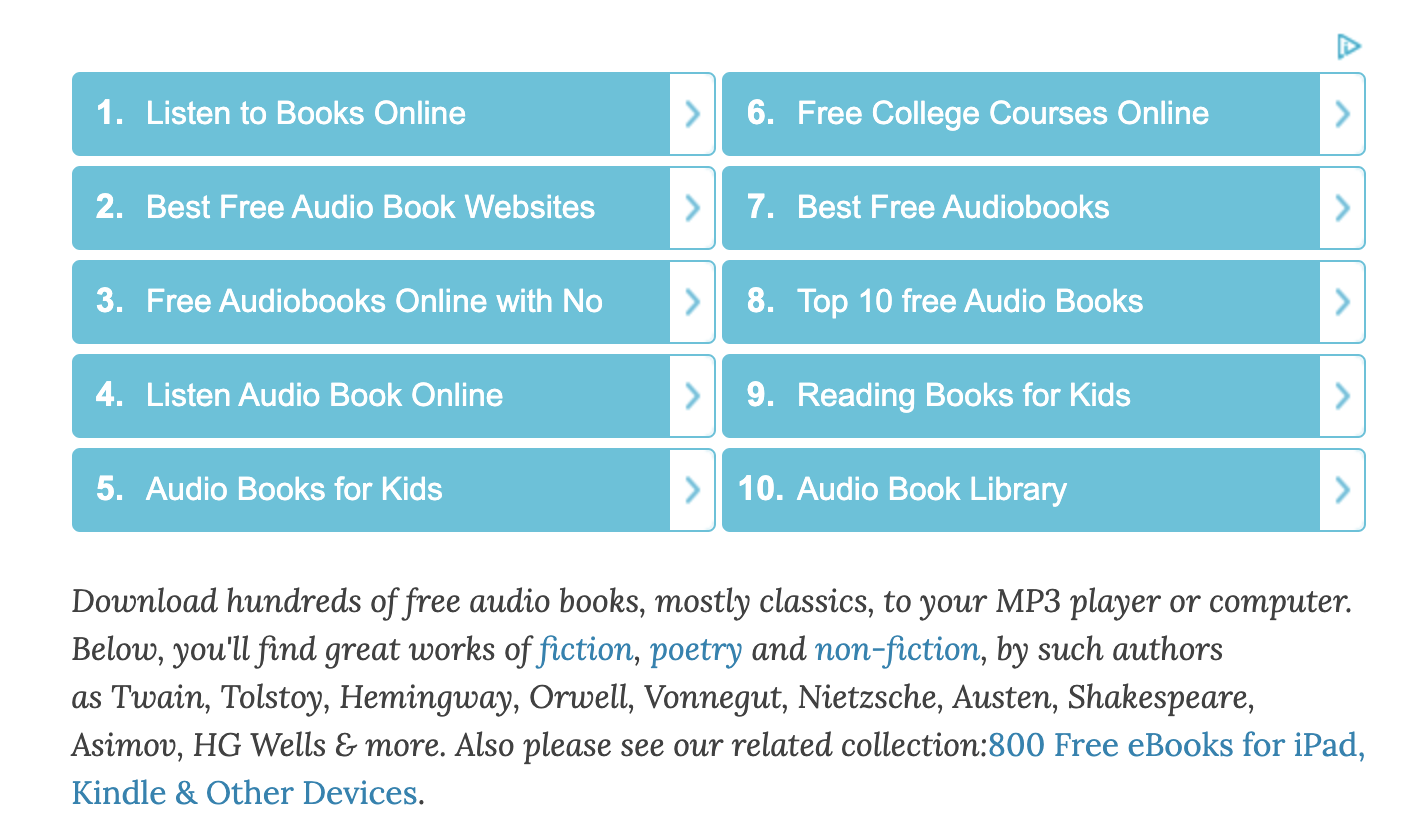
Open Culture offers thousands of resources that are free of copyright, and can be used by anyone. Their list of classic books informs users where the free resources are to be found, and in the case of the audio books, it specifies if the file can be downloaded from Audible (free app for iphone and android), iTunes, Spotify and other MP3 options.
This is a great site for high school English students to peruse should they need or want audio support for their novel study portions of their classes.

Explore world views with Gapminder. The site contains interactive tools and many videos on a broad range of topics.

Google Sky – it’s like Google Earth, except it’s the sky. A fantastic companion for the grade 6 sky science unit!
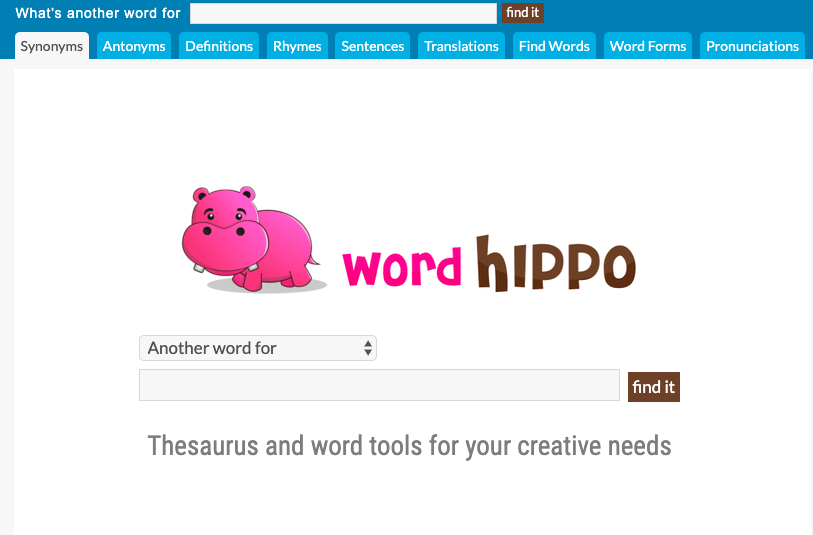
Word Hippo is a cute thesaurus/dictionary/word rhyming for younger learners. It asks the question “What’s another word for” at the top of the screen and children can type their sought-after word into the search space. The search at the top of the screen changes based on the tab. When on the Antonyms tab, it will ask “What is an antonym for ___?”
This site could also be useful with older students working on rhyming and poetry in Language Arts class.

This edition of Ed Tech Tips, Tricks & Hacks contains nuggets of wisdom on:
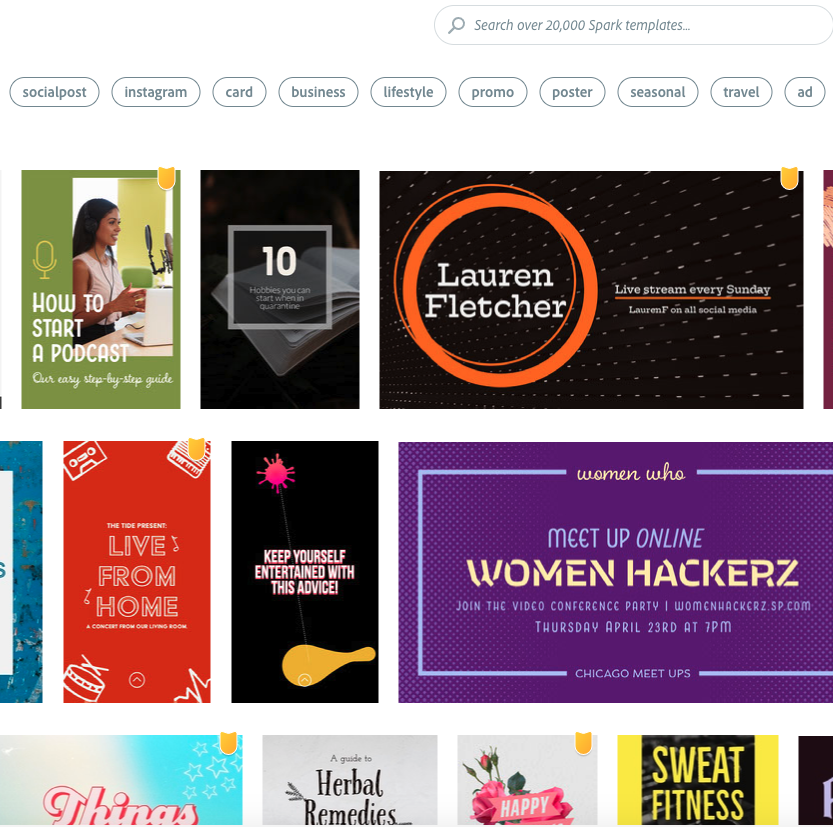
Adobe Spark is a phenomenal resource for teachers. Spark allows you to quickly and efficiently create a beautiful graphic using a template, your own photos and royalty-free photos. You can also create from scratch to build your own unique images.
Further, Adobe Spark has the capacity to create and edit videos.
Adobe’s privacy policy is not suited to students, so this is not recommended as an application to be used with students.

This edition of Ed Tech Tips, Tricks & Hacks contains nuggets of wisdom on:

Google Sky – it’s like Google Earth, except it’s the sky. A fantastic companion for the grade 6 sky science unit!

Silk is a really cool interactive, generative art site. It does not require a login, but has a camera icon in the top left corner for artists to take a photo of their creations.
Beyond art, this site would offer some fun learning about symmetry in math.