Google Meet – Teach online like a PRO!

When Google rushed Meet to market in March, there were many features in the works that weren’t ready yet. The quarantine likely caught them as off-guard as it caught us.  But, now, nine months later, there are many new features in Google Meet. This 18-minute video will take you through each of the new features and demonstrate how to use each.

At 16:20 I show how I created a link on March 16 and am still using the same link almost 9 months later.

Screencastify Tutorial

Have you ever wished you could clone yourself in your classroom?

Me too. Many times it felt like there were more questions and pressing needs than places I could be at one time. 

The global quarantine of Covid has forced educators worldwide to learn some new tech skills, but what if we could cash these skills out for years to come?

That’s right, I said years!

Picture this: One year from now, you press “PLAY” on the lesson you record today, and the students in your classroom watch it. That’s right. They are in your classroom, watching a video of you teaching. And you’re there. I bet you’re wondering “Why the heck would I do that?!”  Well, doing that might let you do those one-on-one conferences with students that you always plan to do, but struggle to fit in. Reading check-ins with the younger students could happen. Discussions with students about recent assessments. Formative assessment. You know – all those things we want to do, but struggle to fit in around instruction. What if…..

If you are new to Screencastify and are looking for some help getting started, this tutorial covers the content that I went through in a live Google Meet with teachers in my school jurisdiction..  The link for Canadian Copyright law with respect to reading books aloud and recording the reading is important to check if you are considering reading to your students in a recording.

So, press play on the video, and if you have another idea of things you could accomplish while playing a lesson in your class (just don’t do it every day), leave your idea in a comment on my YouTube Channel!!

 

Google Jamboard – Your Digital Whiteboard

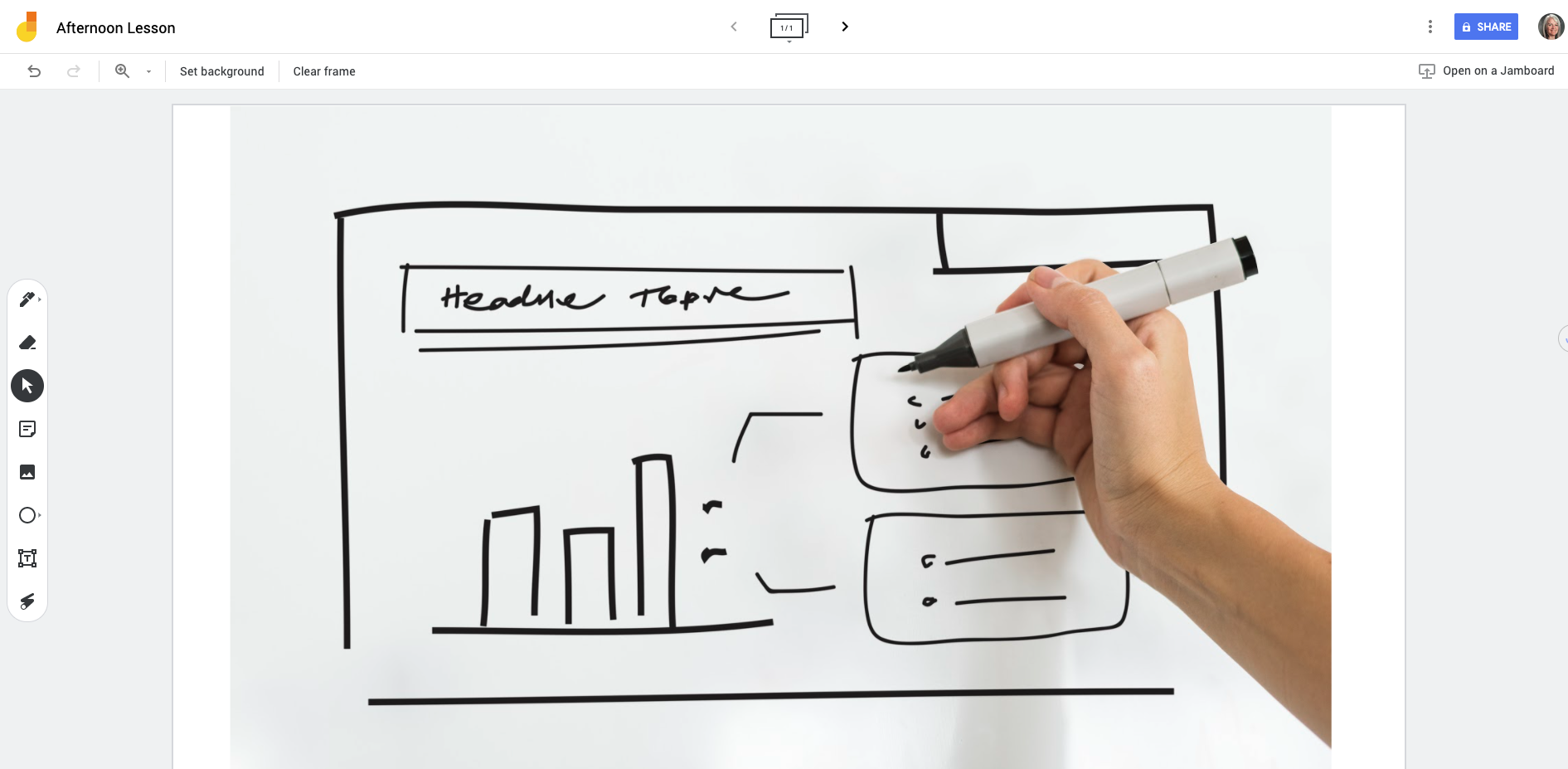
A newcomer to your Google Suite of Educator Tools is Google Jamboard which provides you with a blank screen and annotation tools. With a touch-screen Chromebook, you can now open a new “jam”, and begin drawing, instructing and demonstrating. Best of all – it saves into your Google Drive when you’re done. 

With Jamboard, you can easily bring in images, draw shapes, write, erase and illustrate. Even better – it is now built right into Google Meet. So, if you are instructing at a distance, you can open a new jam from inside Google Meet to seamlessly draw and illustrate to your students the lesson at hand.

Want to see it in action?

This instructional video might be helpful.

Upgrading Your Chromebook

If you are experiencing challenges with your Chromebook, or a student Chromebook, the first place to start is to engage in the simple process of updating the operating system. This step-by-step guide will walk you through the steps to ensure that your operating system is current, which will minimize glitchy behaviours of the machine.

Mote – Give voice feedback instead of typing

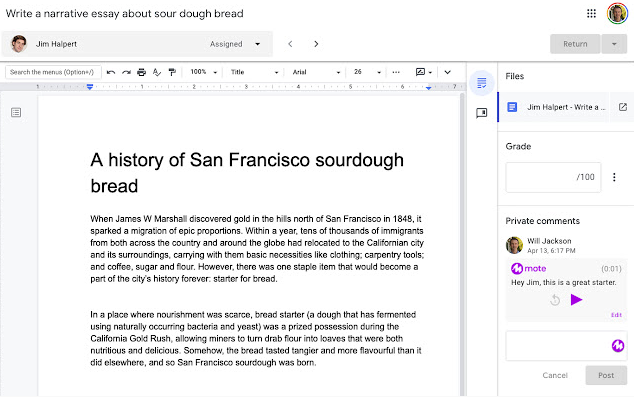
Offering feedback and formative assessment can be time-consuming. The Mote extension for Chrome offers you the opportunity to record your voice giving the feedback as opposed to typing. A great alternative for those whose keyboarding skills leave a bit to be desired.

10 Tips for Online Instruction

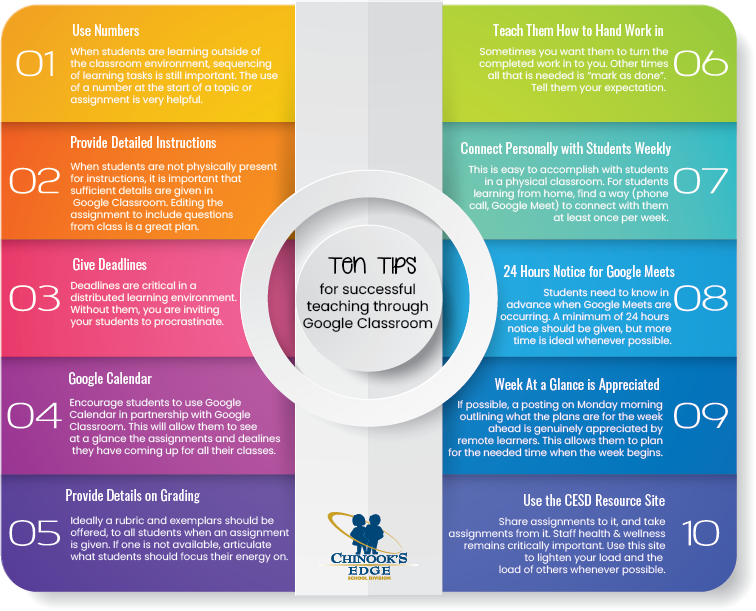
Teaching in a distributed learning environment (formerly called a blended learning environment), has its own pedagogical rules. While many scenarios translate easily from classroom teaching to online teaching, there are some aspects of instruction and learning that are different.

In conversation with teachers, administrators, parents and students, coupled with the educational research on distributed learning environments, we have compiled these ten tips for teachers to improve everyone’s experience when using Google Classroom.

The CESD Resource site (Teachers Share) is a brand new endeavour (#10 in the above image). To ease the burden of distributed teaching, we ask that teachers share assignments they have created (share to Michelle Baragar), and take what you can need from this site. The more we share, the lighter the load for everyone!

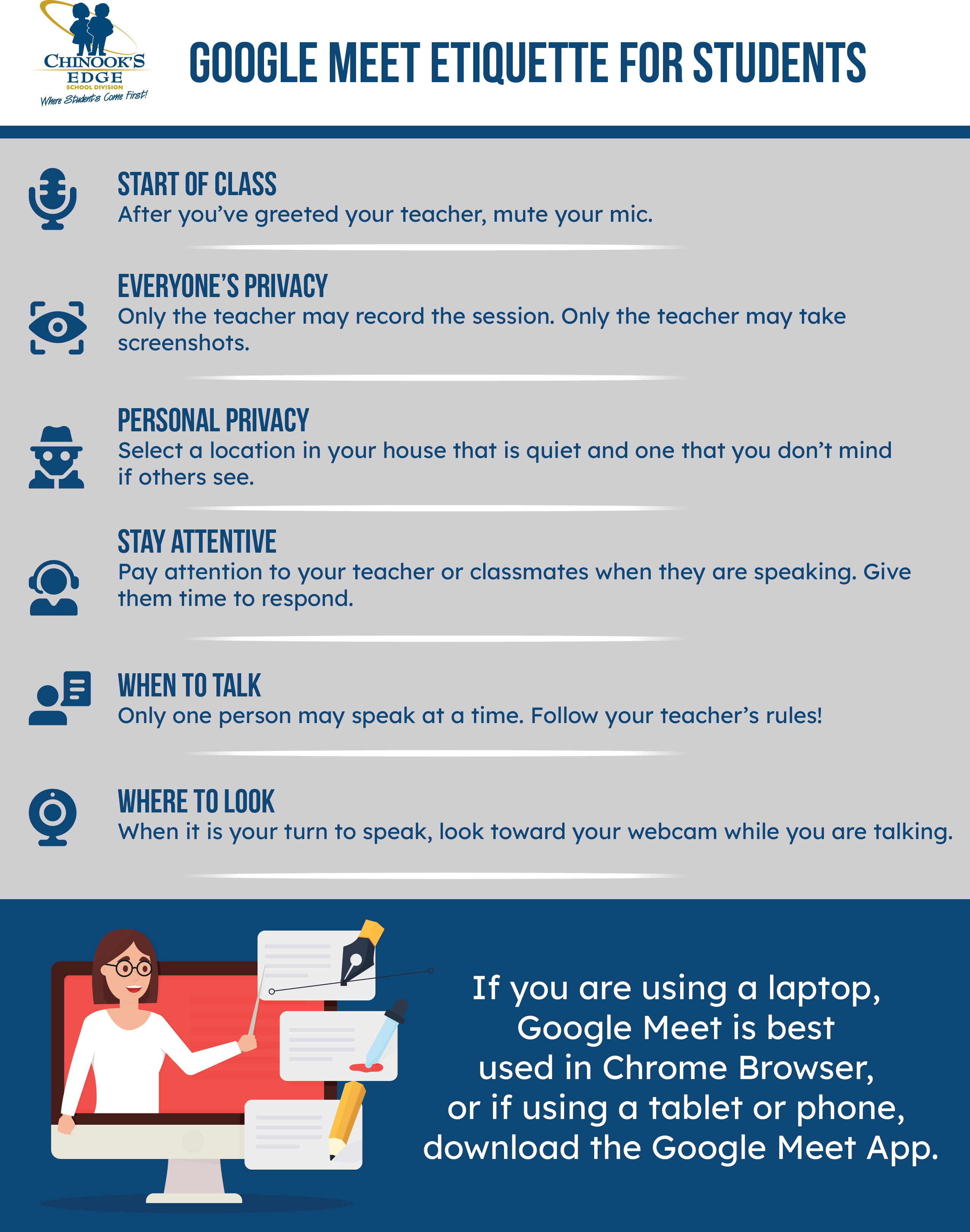
Google Meet Etiquette for Students

Knowing what the expectations are in an online classroom isn’t always easy. We are all familiar with the face-to-face classroom, but what are kids supposed to do in an online classroom? We offer this one-page printable document outlining the expectations for students in our online classrooms. 

June 2020 – Celebration of Learning

The 2019-2020 school year changed the moment Premier Jason Kenney suspended classes on the 15th of March. From that point on, teachers were thrust into the position of Distributed Learning Teacher.

What occurred during the week between the announcement of the suspension of classes and the start of online classes was an astounding display of “can-do” from our teachers around Chinook’s Edge School Division.

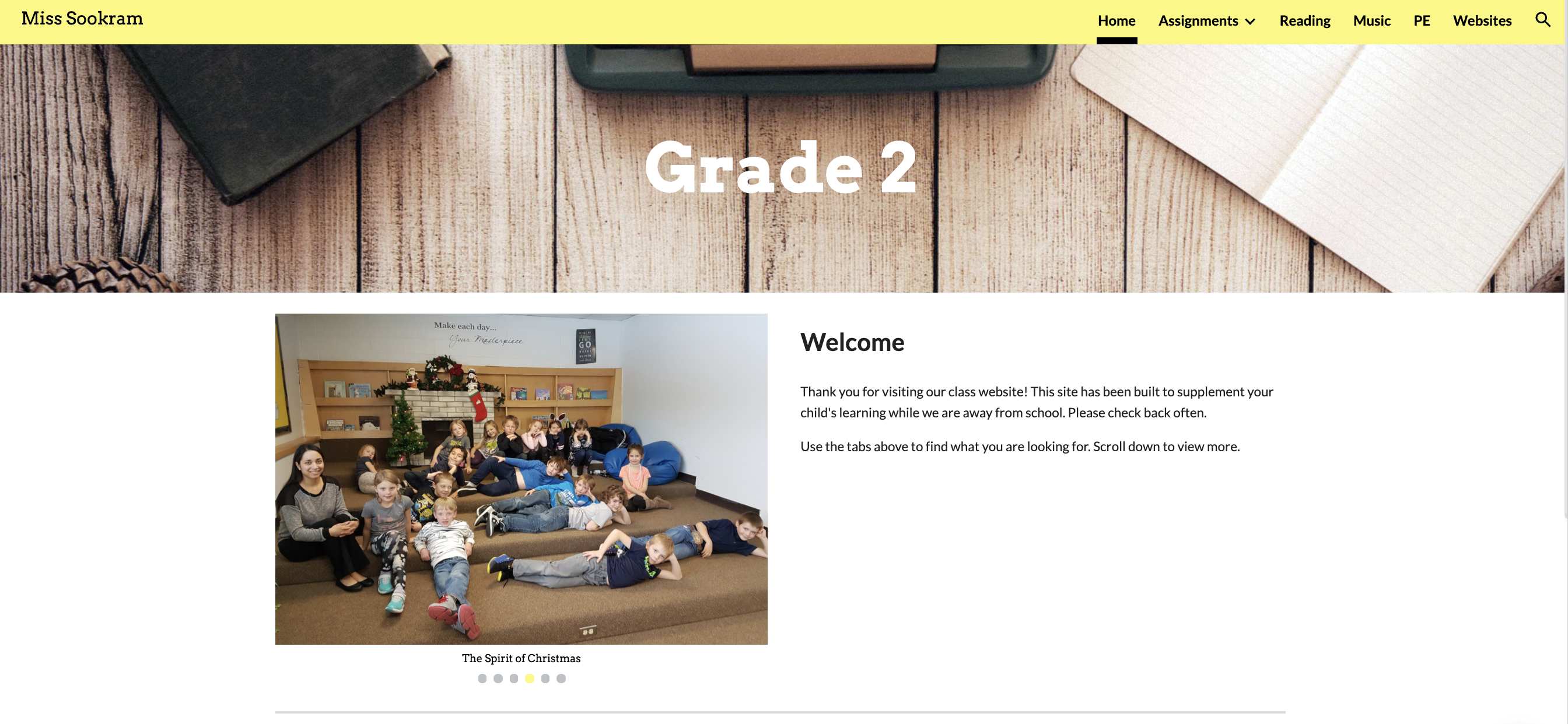
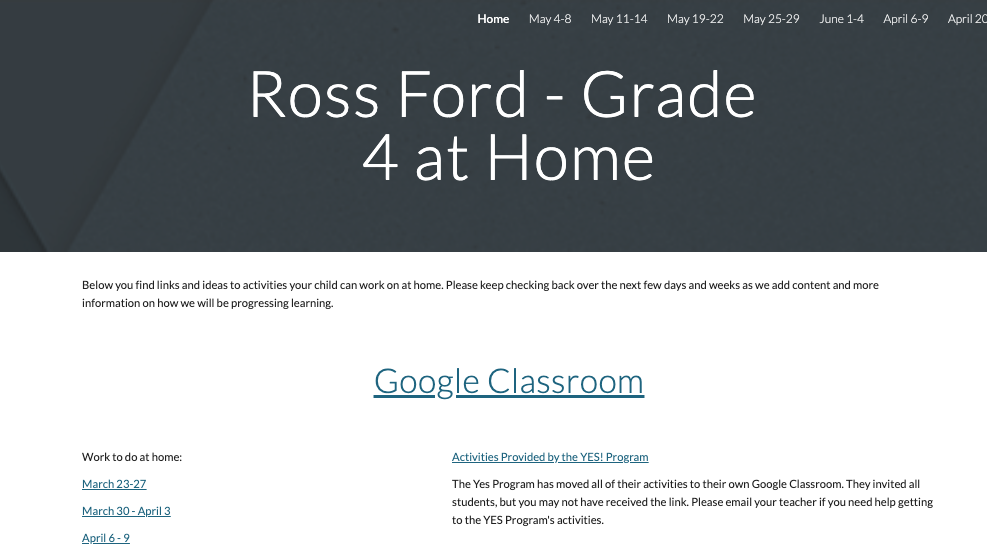
The philosophy of Life-Long-Learning was displayed in spades throughout Chinook’s Edge. The result of this has been the creation of a number of classroom websites, and online friendly resources. This page is a celebration of the learning that was undertaken by the professionals in our school district. Your commitment to education, to your students and to your professional calling kept learning moving forward. 

This page will contain a gallery of the class sites and other online resources created by our esteemed educators to keep learning moving forward. The more we share, the lighter the load! Please share your resources here!!!

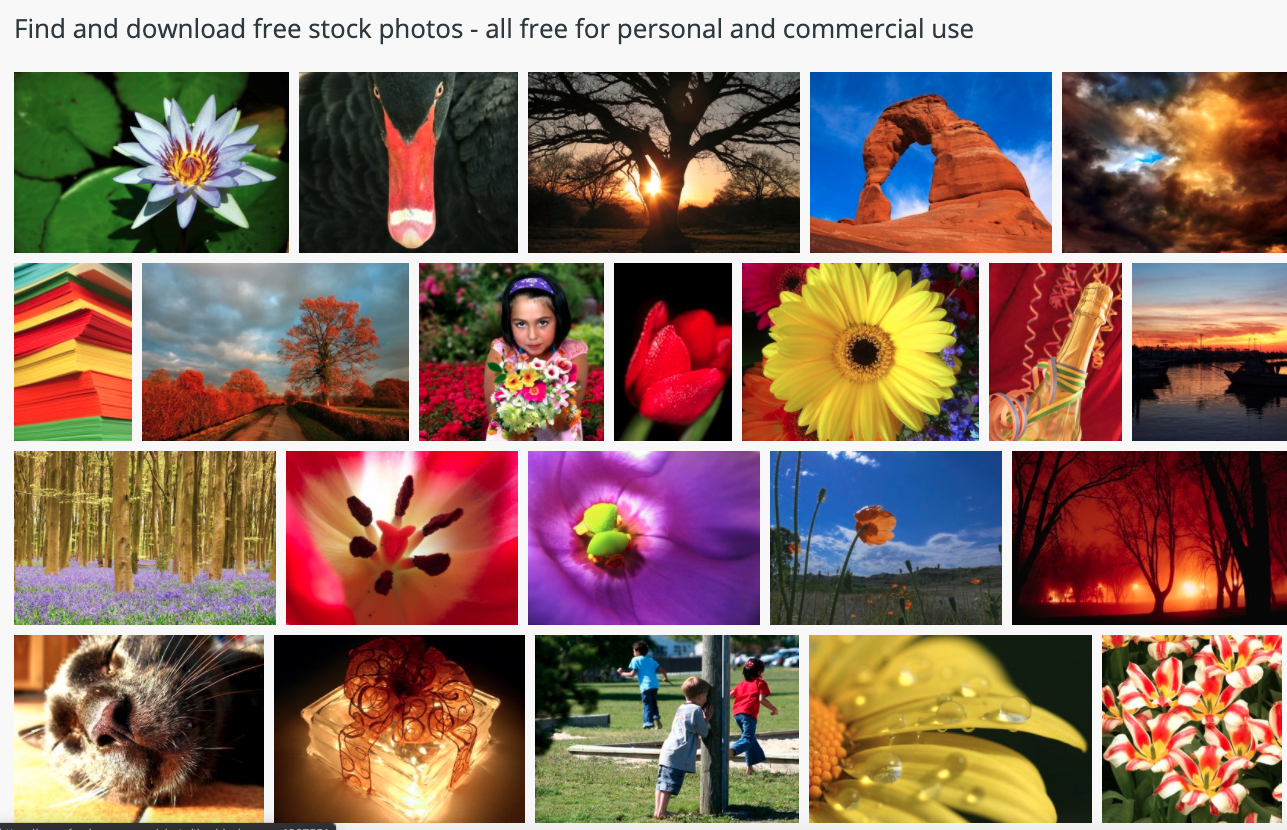
Free Images – Royalty-free photos and images

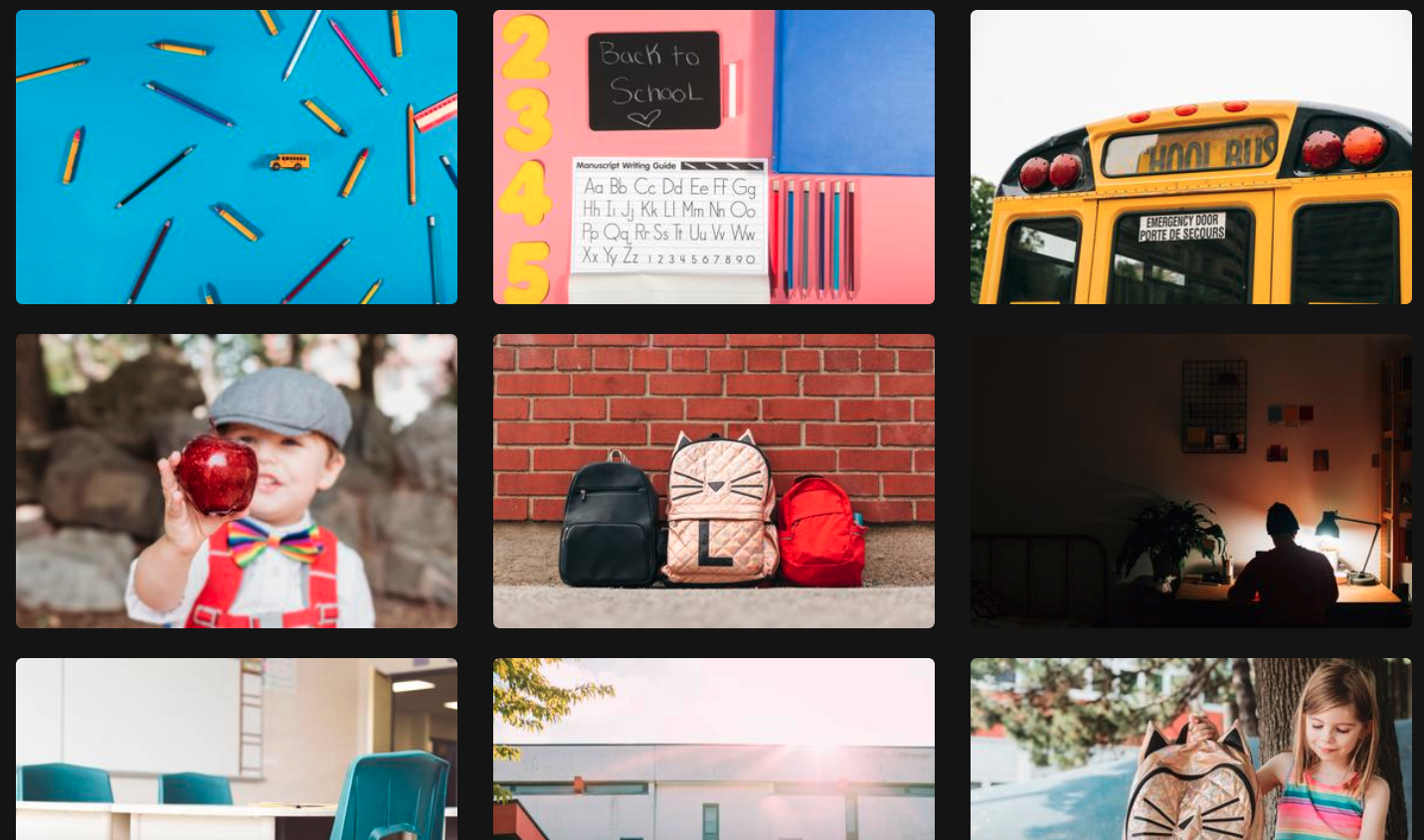
Another site with thousands of royalty-free images that you can use for anything in your classroom without the worry of violating copyright law is Free Images.  As with the other royalty-free resources we have blogged about here, you do not need to pay for any of the images on this site.

Pin It on Pinterest