Unsplash – Royalty-free photos and images
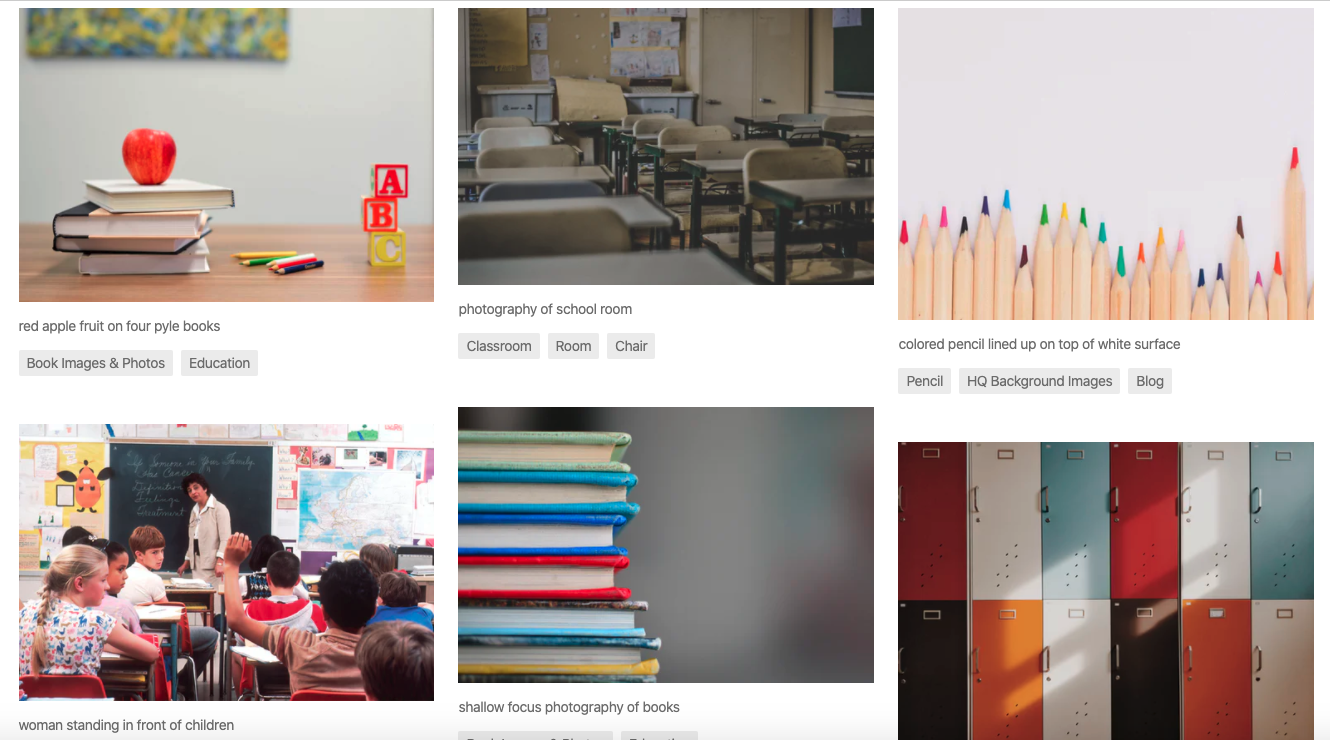
Another source of royalty-free images that is available for free use is unsplash. They boast a large library of high-resolution images that are free for use in anything you create.
Another source of royalty-free images that is available for free use is unsplash. They boast a large library of high-resolution images that are free for use in anything you create.
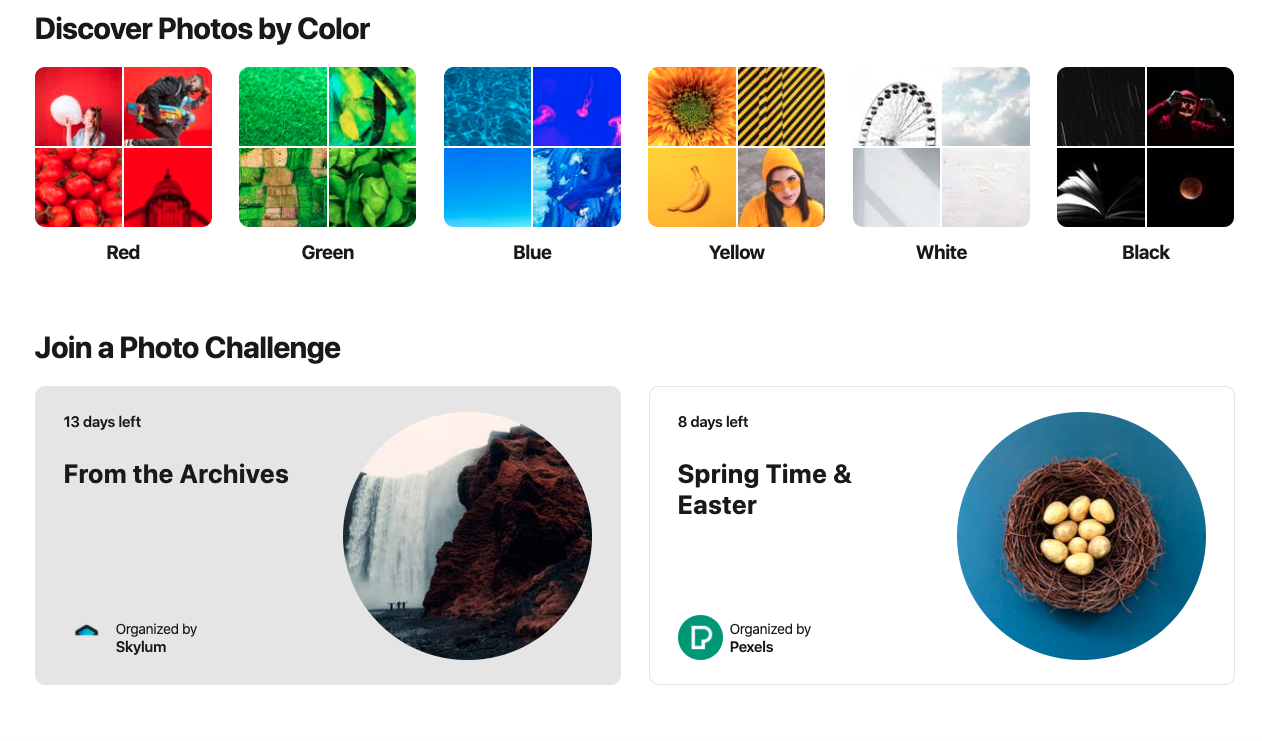
Another site for royalty-free (copyright free) images is pexels. There is no subscription needed to acquire images that you can use in worksheet creation, website development and other classroom uses.
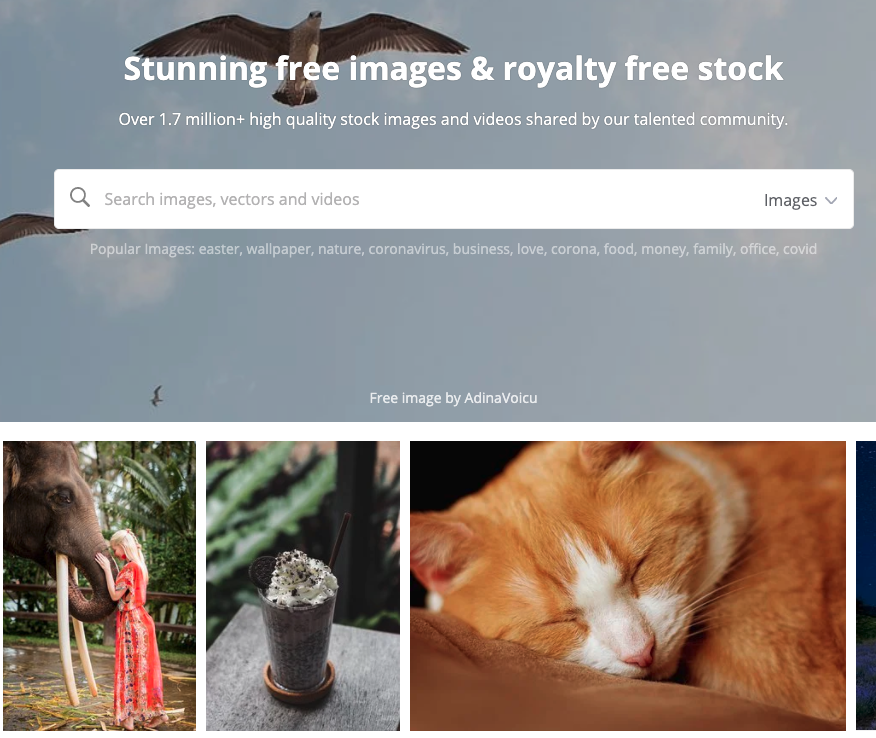
As educators, it is important that we model good digital citizenship to our students. One of the ways we do this is by using images that are free from copyright. Pixabay is an excellent site filled with free photos and images to use for any of your classroom needs. The images you can find here are, for the most part, better than the images that you will find on a Google search with the “filtered for reuse” filter applied.

This edition of Ed Tech Tips, Tricks & Hacks contains nuggets of wisdom on:
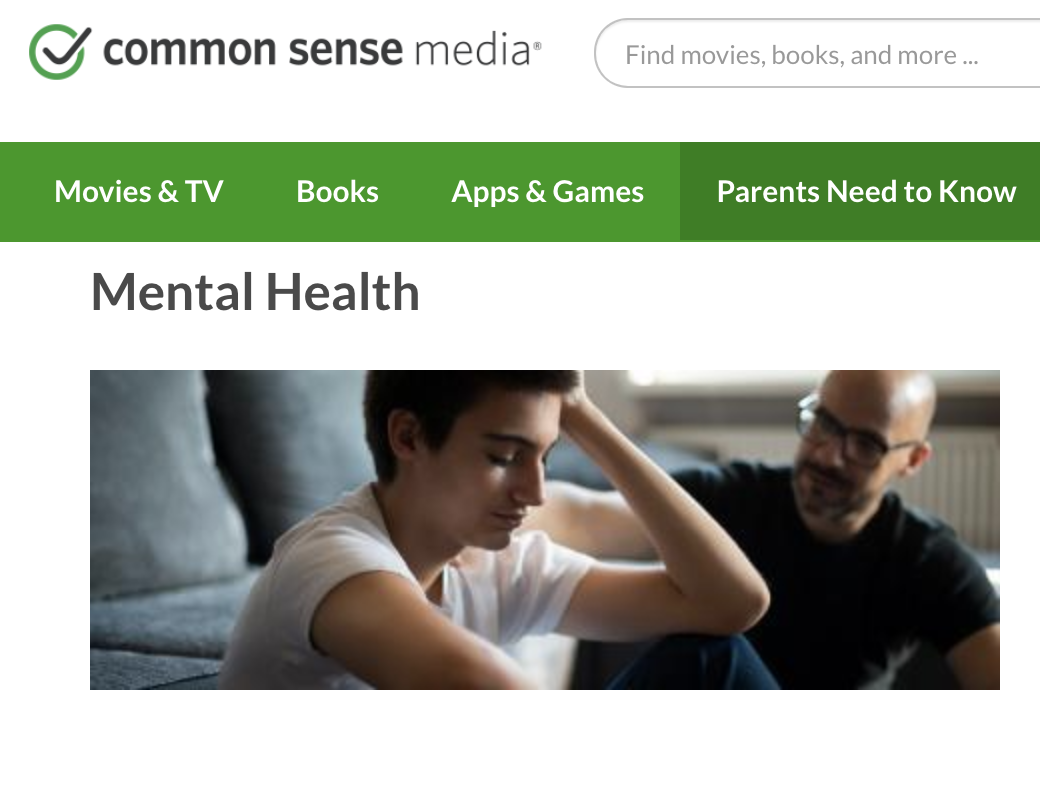
Common Sense Media, a leader in vetting internet resources for young people has a mental health segment in their vast collection of resources. Amongst the topics covered are kids and screen time, addiction, anxiety, depression and suicidal ideation. The focus is on keeping media and technology usage healthy and positive.
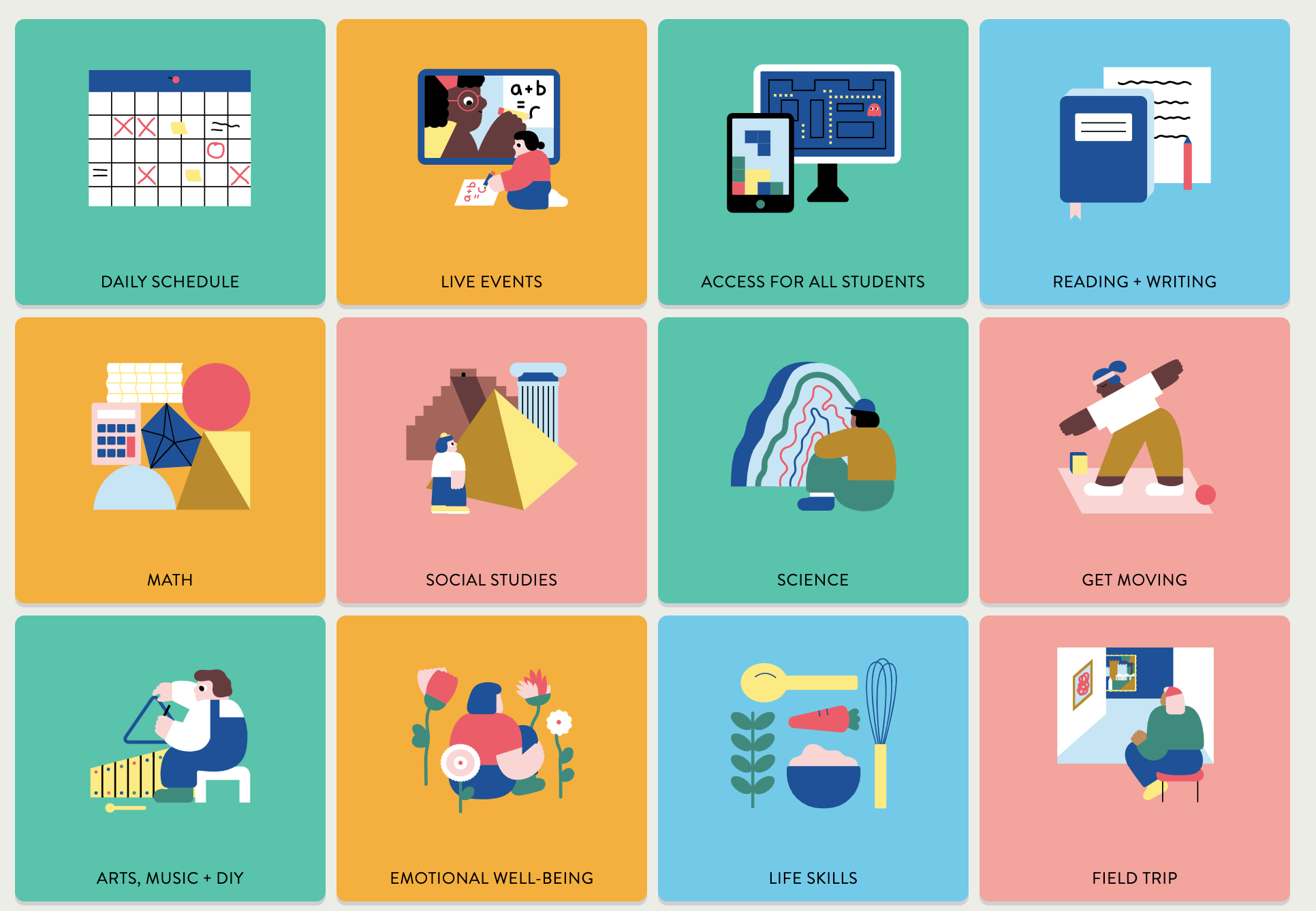
Common Sense Media, a leader in quality internet information for young people has launched a service to assist during the Covid-19 quarantine. Wide Open School has a lengthy list of activities and resources for teachers to access. It is important to check the privacy policy of these identified resources prior to enrolling students, but many of the resources don’t involve student logins, and therefore can be used without hesitation.
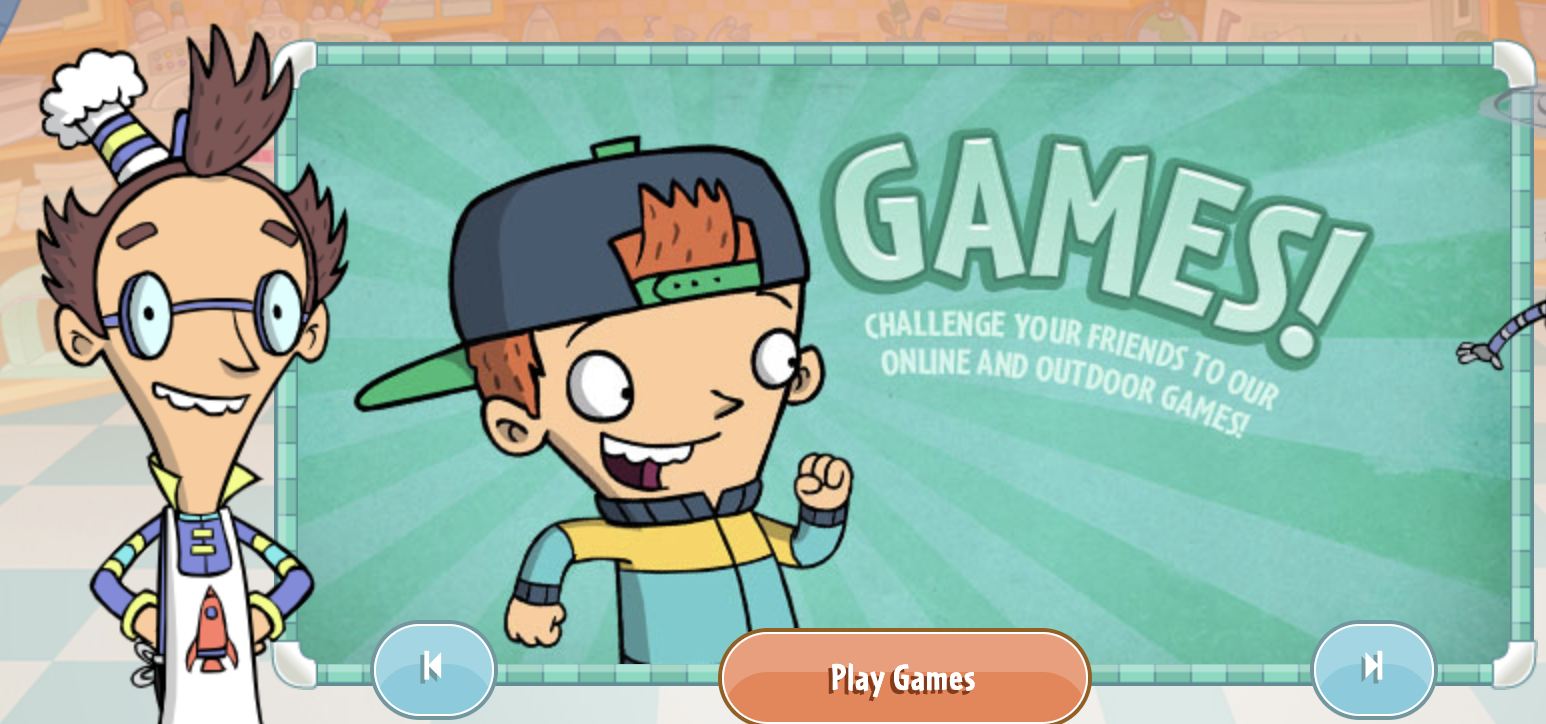
Another PBS offering is Fizzy’s Lunch Lab. This website uses videos, music, games and characters to teach young learners about healthy eating. There are even recipes on the site.
Students do not log in to the site, so privacy is not a concern.
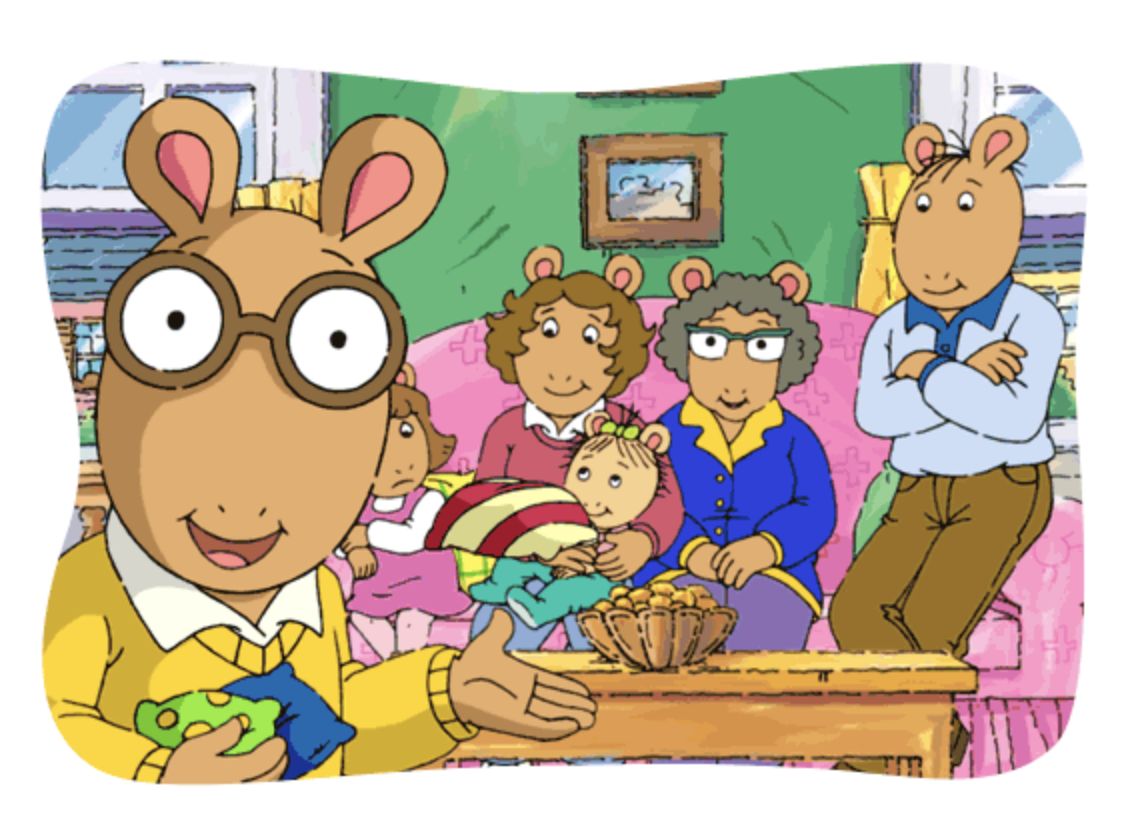
Created by PBS, Arthur Family Health uses the familiar children’s books to teach health-related content to young learners. The site offers games, videos and resources designed to keep families safe and strong. Topics include asthma, peanut allergy, nutrition, resilience and fitness.
Students do not actually log into the site, so privacy is not a concern.
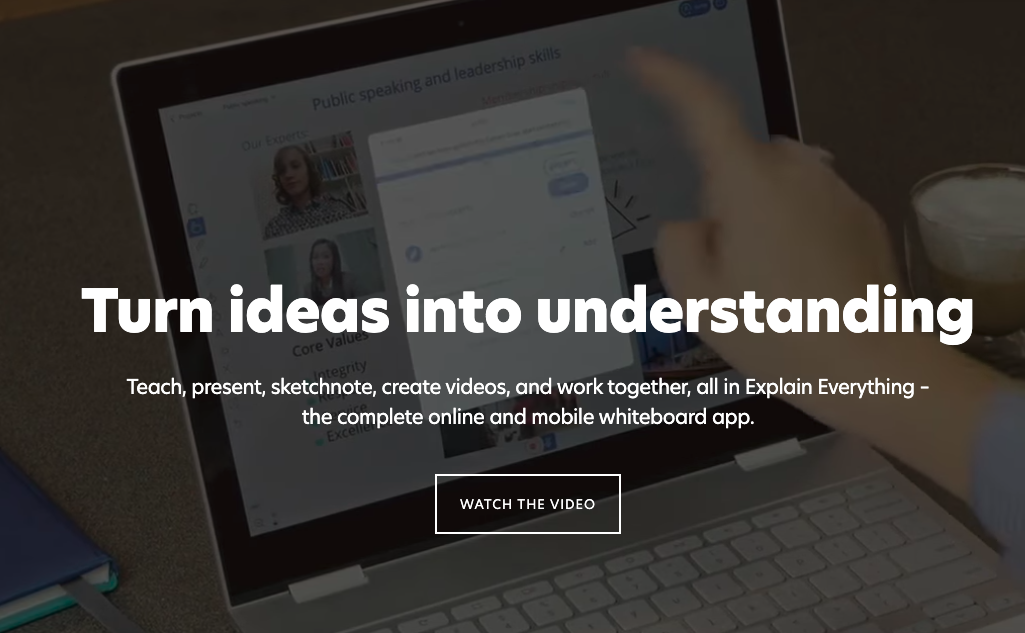
Explain Everything is an online interactive whiteboard for remote collaboration. According to their website “Teach, present, sketchnote, create videos, and work together, all in Explain Everything – the complete online and mobile whiteboard app.”
Their free service for teachers allows for:
They do not collect any data from students.
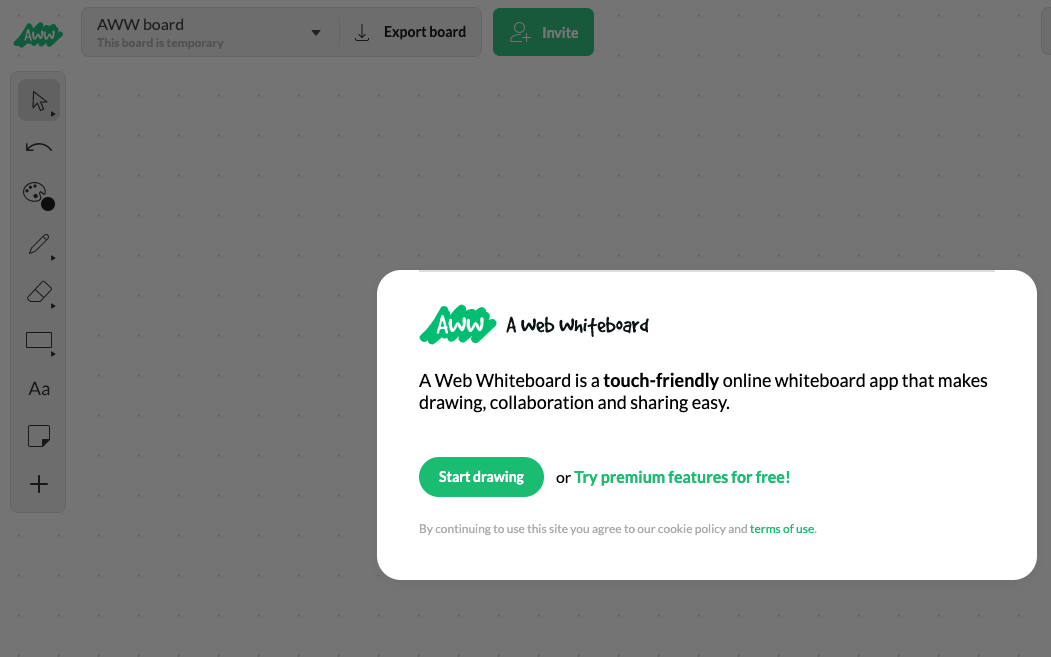
AWW – A Web Whiteboard is a website that offers a touch-friendly drawing and annotation tool. Their free service includes a basic whiteboard, board sharing, and basic chat. You have the ability to download your board as a .pdf at the conclusion of your usage of theier tool.
They do have paid packages, but their free service may be a powerful tool during this covid quarantine.
As there is no need to sign in to use the service, privacy is not a concern as they are collecting no data in that regard.
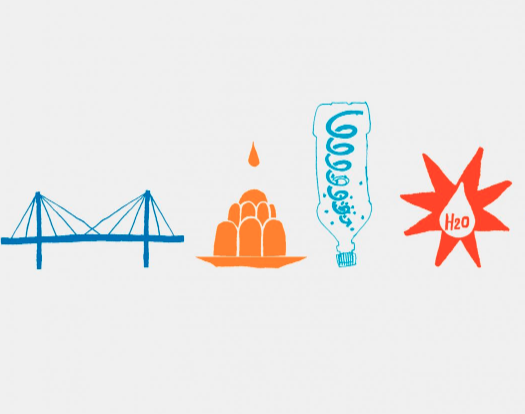
Dyson, yes, Dyson who manufactures vacuums, has put together 44 engineering challenges for young people to undertake during this time of quarantine.
Designers from the James Dyson Foundation have come up with a series of challenges to help kids learn at home during isolation.
Comprised of 22 science tasks and 22 engineering activities, the Challenge Cards can be completed by children using common household items such as eggs, string and balloons.

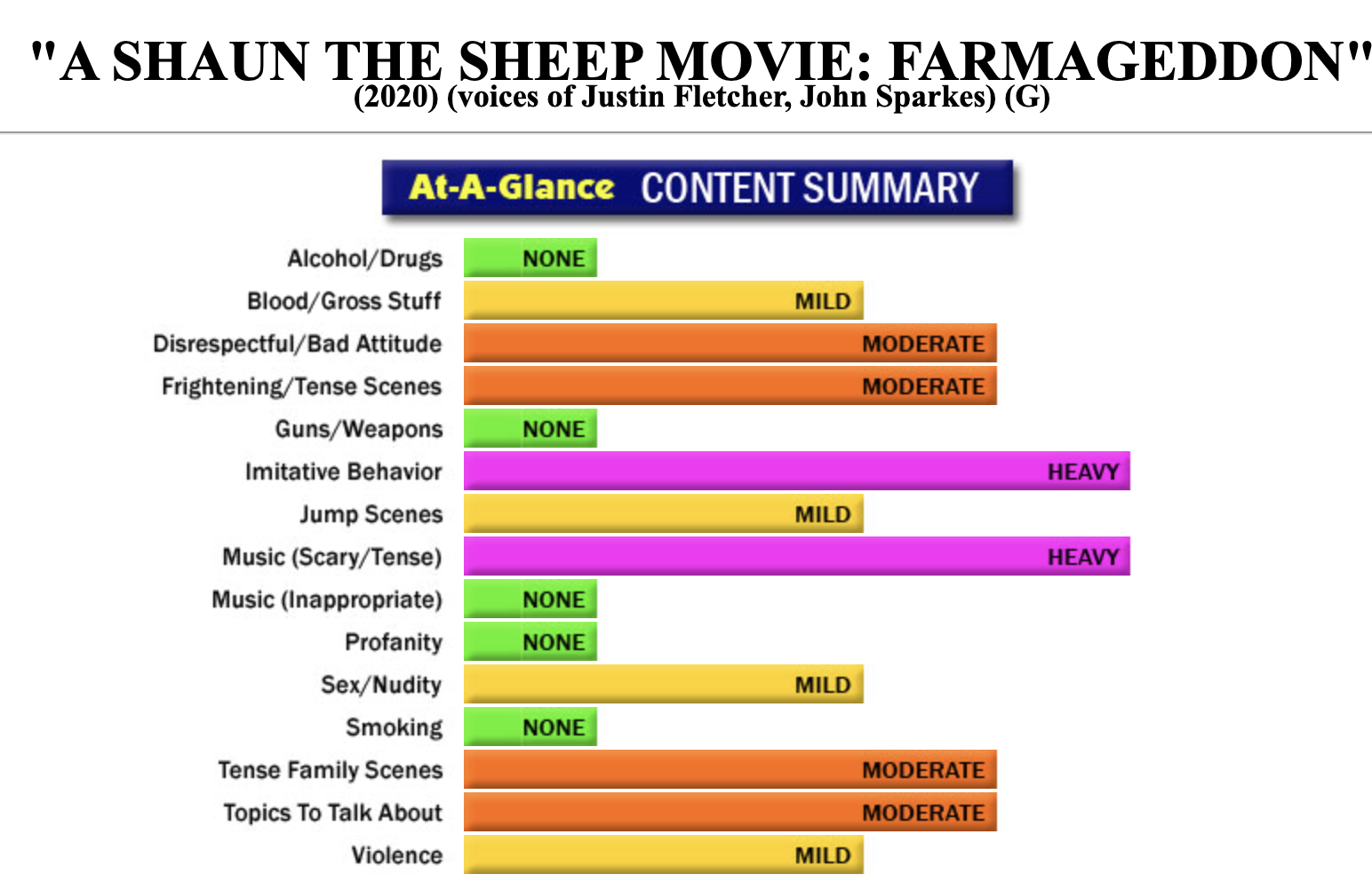
Screenit is a site that has been online for at least two decades. The service they offer is a breakdown of movie content. You search for a movie, and screenit will provide a breakdown of any and all content that may be questionable for young viewers. It offers a free three-day trial. Newly released movies are often listed on their homepage for free.
The site offers a graph view of many movies, and then gives detailed descriptions for each identified category of content as shown in the graph below.

Kids Health is a website with tons of free content regarding health. It covers topics that range from staying safe to illnesses and injuries to puberty and growing up. There are resources for educators, kids, teens and parents on this site.
Kids health collects no personal data.
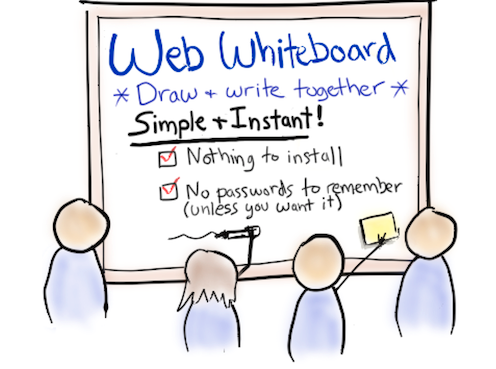
Web Whiteboard is a free (for 21 days), online utility that allows participants in an online meeting (Google Meet, for instance) to have access to a whiteboard where collaboration can take place. Students do not sign in to the service, so it is safe for use in K-12 classes. This may be a valuable tool for online delivery of lessons.
Once the free trial period has ended, the cost to continue is $8 per month.
Go Noodle is a utility that is fairly well-known amongst Division 1 teachers. Go Noodle’s mandate is to help kids get active with deskside movement activities that are intended to keep kids engaged and motivated throughout the day.