Can Canva Make an Image From My Words?

One of the most interesting new “toys” resulting from the dawn of AI is that of text-to-image. By that I mean that you, the user, input some text describing what you need an image of, and the technology endeavours to create that which you describe.

Tools like Midjourney or Dall-E require payment in order to complete more than just a couple of images for you. BUT… Canva is free for educators (your tech department needs to get this set up for you if you don’t have it when logged in using your school-issued email account), and Canva has the ability to generate images from the text you input.

This video is to teach you where to find this tool inside Canva, and to demonstrate for you how to get started using this fun new tool!!

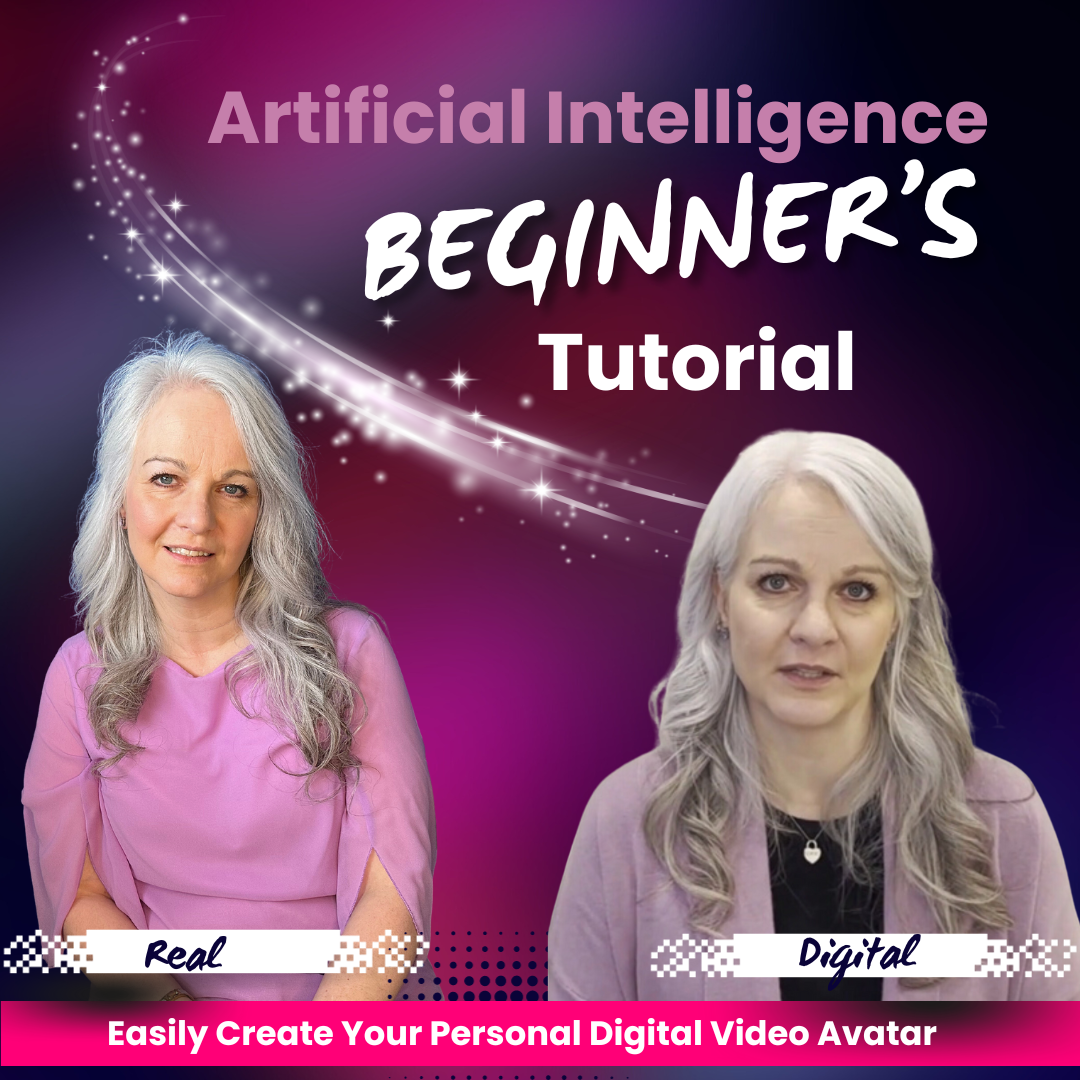
How to Make a “Digital You”

Today I want to teach you how to make your own talking, moving, speaking digital version of yourself. Recently, I made a video where my avatar was speaking Ukranian and Chinese – both languages that I do not personally speak. So, now let’s look at how you can get your own digital version of yourself!!

Watch the video below, and visit heygen.innoverse.ca to create your account at HeyGen! It’s easy, and more importantly, it’s fun!!

Use a Digital AI Avatar to Teach in Any Language

Teaching ESL. It’s a topic I’ve been asked about more and more in the past couple years. We’ve specifically seen an increase in the number of Ukranian-speaking students since Russia declared war on Ukraine in 2022. But by no means are we limited to having new classroom needs in Ukranian. Immigration is an important part of Canadian culture, and we aim to embrace children who are new to Canada. We want them to feel welcomed in our classrooms and included.

Well, here’s a new idea. What if we could pre-record ourselves speaking in a different language by using an AI avatar? Check out the video below where I speak Ukranian and Chinese – both languages that I do not know even one word of. 

It’s a brave new world, and as teachers, our best skill is imagination. We are incredible at coming up with new ideas for our classrooms. Now we can unleash our imaginations on artificial intelligence tools, coming up with innovative ideas to expand and extend inclusion. As of today, this includes multilingual instruction!

To get your own digital avatar that speaks many languages, please visit www.heygen.innoverse.ca and you can get started creating right away!

What is the “Turing Test?”

At a conference at Dartmouth in the 1950s, Alan Turing; the mathematician and computer scientist who had played a crucial role in cracking the Enigma Code in the second world war was engaged in conversations with other intellectuals about machines, computation, and future technologies. 

Originally called “The Imitation Game” (a movie of this name was released in 2014), the Turing Test as we now know it, was proposed to answer the question “can machines think like humans?” To this end, a human would be situated apart from both another human and a machine. Both the computer (machine) and the human would respond to the queries of the human subject. When the subject can not discern if the response came from a human or a machine, the test is said to have been passed.

When ChatGPT was released on November 30, 2022, many feel that at that moment, the Turing Test was officially passed; and this change has impacted many aspects of the global society already. Time can be saved through the use of ChatGPT, written content can be improved, tedious writing tasks can be assisted, and human written output can be bolstered. Of course, there are challebges as well; teachers in particular face some challenge at this time in discerning if a student has authentically written the work they are submitting for grading.

These topics are all covered in other blog posts, and so today’s topic answers the question “What is the Turing Test?”

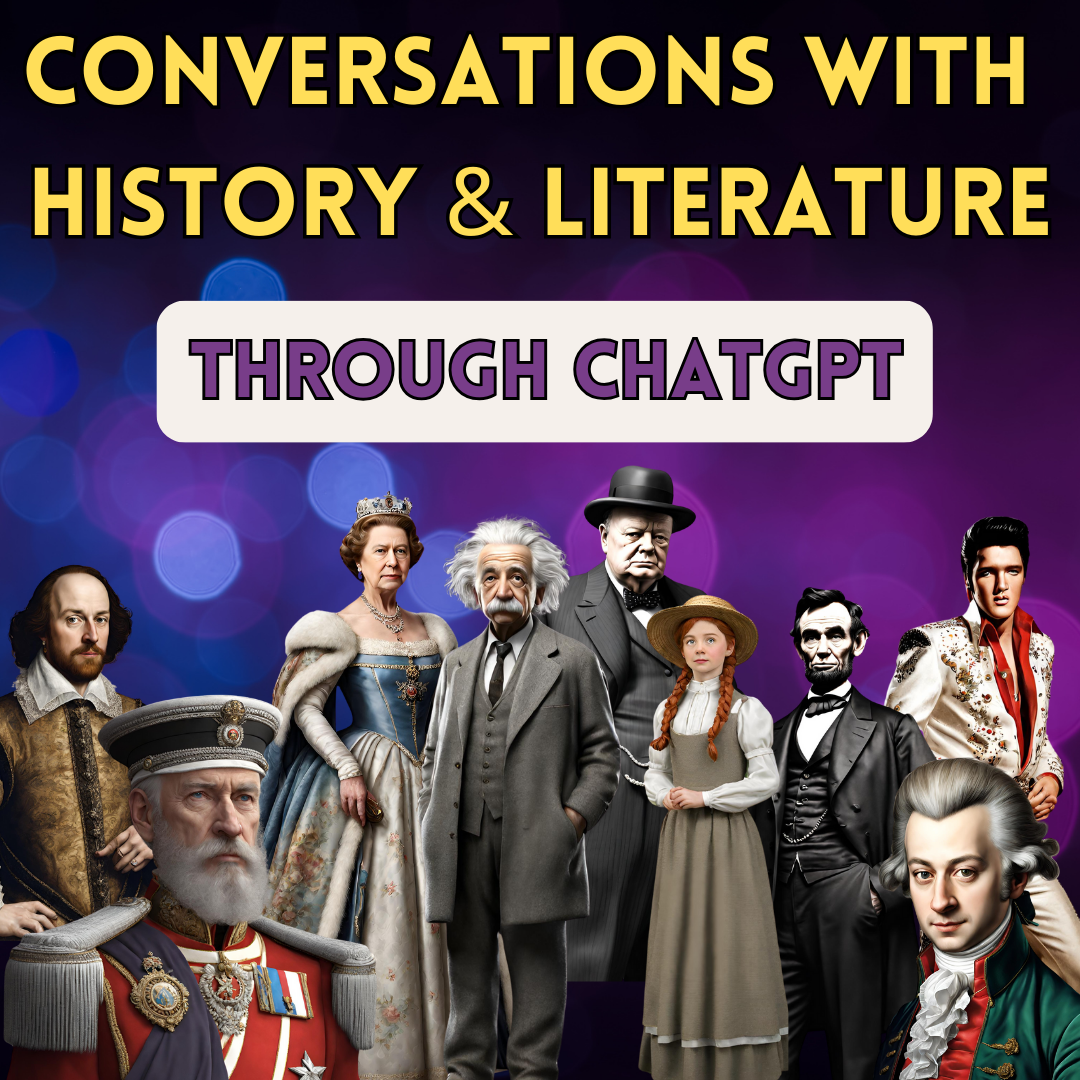
Conversations with History and Literature – Engaging Students with ChatGPT

Let your imagination run wild! Teachers, we have a new resource, and the only limitation seems to be out imaginations.

Take a few moments to watch the video below where I use ChatGPT to take on two personas; one from literature, and one from history. For the purposes of demonstration, I have used Ponyboy Curtis from the Outsiders, and Abraham Lincoln, and after wtching this video, you will have the confindence to employ this technology in your classroom. 

AI tools can enagage students in ways that teachers have always dreamed of. Let’s not miss this opportunity to harness this newfound power!

Can AI Help Me Win the Lottery?

Let’s take a look today at whether AI and ChatGPT can pick the winneing lottery numbers. Can AI pick the winning lottery numbers? In my last blog and vlog, I told you the crazy story of my office-mate taking an early and commanding lead in our office hockey pool. AI and ChatGPT can offer genuine help in winning a sports pool – at least until everyone else figures this out too. But can it pick the winning lottery numbers? It’s a good question.

The lottery relies on probability and is an actual mathematical process; one not influenced by outside forces. Those tumbling balls that are picked out ony by one for the lottery are not impacted by anything other than random selection. That’s different from athletes who are human, and are vulnerable to all the things that affect humans. Watch the video below for a more in-depth analysis of this topic!

Winning the Office Hockey Pool with ChatGPT

This one is awesome!! And, admittedly somewhat unexpected.

My office mate is winning our office hockey pool – by A LOT, and she is increasing the gap between herself and second place daily. I can’t wait to do an update to this after Christmas break!!

Check out the video below for the specifics, and then the next time you have an opportunity to participate in a sports pool, you’ll be ready to walk away with the pot of cash!

Students using ChatGPT to Cheat

We need to talk about this.

It’s on the minds of teachers everywhere. We know that artificial intelligence is not going away, and we know we need to find our way through this new reality. But to do that, we need to talk. We need to discuss how we are navigating this, we need to talk about what can work, and what doesn’t work.

With conversation comes synergy and new ideas.

I’m on social media. Let’s start this conversation. Watch the video below, and then let’s connect on Facebook, Instagram, or X (former Twitter) to bat some ideas around.

How to get Started in ChatGPT

Teaching is a busy lifestyle. Teachers are busy people.

So, if you havent’ had a chance yet to look at ChatGPT, the AI tool that has taken the world by storm, this video is for you. There’s nothing wrong with not having looked into it yet. But I will tell you that you are missing out on a very HELPFUL ASSISTANT by not checking it out.

I made this video for you. Winter break is upon us, and you might have a minute or two to check it out. But it can be kind of intimidating to hear people talking about AI; like you don’t want to come right out and ask “how do I even find ChatGPT?”

Well, you don’t need to ask the uncomfortable question! Just click on the video below where I help you find ChatGPT, sign up, and start using it!!

It’s going to be okay! And you’re going to be glad you watched this, and even more glad to have a bit of assistance from AI in managing the complexities of teaching in the twenty-first century!

Meet the Avatar: Exploring the World of AI Education

I was caught off-guard today. That rarely happens, and when it does, at my age, it’s pretty awesome. I had seen in a video an AI application called Hey Gen and the video avatar that was demonstrated in the video was pretty impressive. Now, this isn’t my first attempt to acquire an AI avatar, and in light of the fact that the one I paid $25 for a few short weeks ago had a third arm (we’ll talk about some of the challenges of AI image generation in another post), my expectations were not super high. What Hey Gen delivered for free blew me away. In fact, when I sent the demonstration video to my family, all conceded that had I not revealed that the video was AI, and was neither me, nor my voice, they were speechless.

What Teachers Should Fear about AI

Is artificial intelligence something we should be afraid of in K-12? It’s a good question, and there is certainly enough fear-mongering of all manner on the worldwide web that would suggest that we should fear…. something? What something?

I spent some time thinking about this question, and what I determined is that my biggest fear is that teachers will not start using these powerful tools right away to make their jobs easier, and to improve the efficiency of their classrooms.

I will be publishing ideas, tutorials and lessons for teachers to help get started with using these powerful tools, because with intentional use, there is nothing to fear!

Bellringers for Science 7

I spent some time this weekend learning how to do the “bulk create” process within Canva for education. When learning a new skill, I prefer to create relevant content that can be used by teachers. So, for this learning process, I have created some “bellringers” for the Alberta science curriculum – grades 7, 8 and 9. To kick off the release of these bellringers, here is the link to my YouTube channel Interactions and Ecosystems Bellringers playlist. Over the coming days, many more videos will be uploaded, and playlists for other units and other grades will be forthcoming too!!

Google Lens is Transforming the Lives of Struggling Readers

In my generation, math teachers used to tell us “you’re not going to have a calculator with you every minute of the day when you’re an adult. It’s important to learn to do math without a calculator. While I’m sure there was a point to be made with that statement, the technological revolution of the past decades has made that statement entirely false. My laptop has a calculator, my iPhone has a calculator, and my iPad has a calculator. I literally have a calculator within reach every single day, almost every minute of the day!

And while it’s great that we have that kind of numeracy support in our day to day lives, it would sure be nice if we could have that same level of support for literacy as well, wouldn’t it?

Enter Google Lens.

It’s been available on Android devices for some time, but it’s been somewhat unknown on iOS devices, partly because it’s not called Google Lens on the Apple devices. It’s just called Google. Not Google Chrome, not Google Drive, not Google Keep. Just Google. TO have access to Google Lens on an iOS device, you’ll find the power in the Google App.

With this app installed on a phone, students whos struggle with reading will have access to test-to-speech support everywhere they go.

AND, it also offers translation tools as well. So for students who are new to our country, and who are learning the language, instantaneous translation is a possibility. Google does not yet have all languages available in this tool, but the number of languages is increasing all the time, making this a viable tool for language learners as well as readers.

Here’s a quick video to show you how to accomplish these tasks!

Chat GPT #QuickWins for Teachers

Let’s talk about some ideas for teachers to start using ChatGPT to save time. Teachers are busy people, and sometimes it feels like there’s always one more thing being added to the “to-do” list that teachers are expected to undertake. Wouldn’t it be nice to have some help? Wouldn’t it be amazing to have an assistant who could come up with new ideas and ways to refresh your projects, assessments, newsletters, report card comments, and other clerical duties? Well, please let me introduce you to ChatGPT. Your new idea-generating, text-writing virtual assistant. Here are some ideas to test out in ChatGPT. Enter one of these prompts, and watch how FAST it comes up with ideas for you. This is a game-changer.

Eduaide – AI Tool Review

In the ever-evolving landscape of education, the integration of artificial intelligence (AI) has emerged as a transformative force, reshaping the way we approach teaching and learning. AI, with its ability to process vast amounts of data, adapt to individual learning styles, and facilitate personalized experiences, has transcended the conventional boundaries of education. As we navigate the 21st century, AI is not merely a technological novelty; it is a dynamic catalyst propelling education into new frontiers. From intelligent tutoring systems that offer tailored support to students, to chatbots fostering interactive and responsive learning environments, AI is revolutionizing the very essence of education. It is not just a tool; it’s a pedagogical ally, amplifying the capacities of educators and unleashing unparalleled possibilities in the realm of teaching. This dynamic fusion of artificial intelligence and education promises not only efficiency but also a redefinition of what it means to engage, inspire, and empower the learners of tomorrow.

Eduaide is one of the frontrunners in AI technology for teachers. With just a few clicks, the AI will assist teachers in creating strong, editable, content that aligns to the curricular outcomes inputted by the teacher using it to create!

The image below is a worksheet (or quiz, or test) that Eduaide generated in a matter of seconds.  The only instructions I provided in the “topic” field was “Algebraic Expressions”. Eduaide did not automatically provide an answer key, but when I clicked on the rocket in the top right corner (above the math questions), generating an answer key was an option I could choose.

The image below generated the escape room about water conservation in a matter of seconds. The results include the needed materials for this escape room, as well as instructions regarding the setup. What it did not include was the questions, riddles, or puzzles that the students must solve in order to complete the escape room.

Eduaide saves the content you create, but the “edit” button is not intuitive. On the “saved content” screen, there will be a list of the resources created in Eduaide. On that screen, the “Preview” button is really obvious. If you click to the right of the preview button (on the kebab menu… the three dots), the first choice says “Load in Workspace” – That’s where you go to edit it.

Pin It on Pinterest